


[Customer quote placeholder. 2 to 3 sentences from a billing director or operations leader at a municipal utility, MSO, or property management company. Focus on time saved per cycle or exception backlog reduction.]

Most platforms relegate rate changes to a separate configuration area where billing teams hand off to technical staff and only see the impact after bills generate. MultiBilling integrates bulk rate changes inside the billing workflow itself, applying updates at scale, previewing financial and customer impact before posting, and governing every change through effective dating, role-based approval, and audit history. Teams complete annual updates, fee changes, and program adjustments without scripts or vendor support. Rate-related exceptions get caught before bills generate. Billing and finance teams reclaim more than half of their monthly labor for higher-value work.
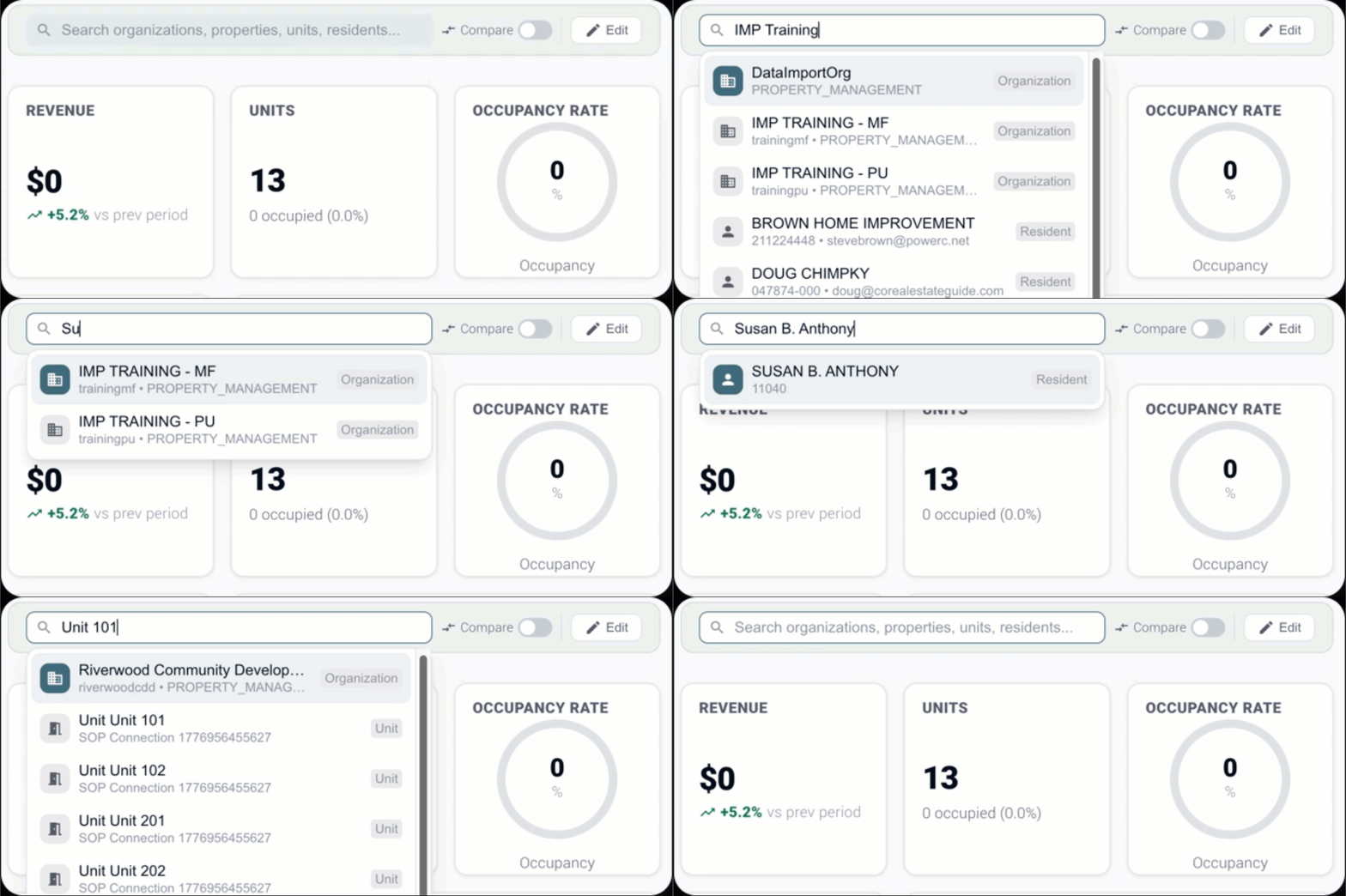
Annual updates, fee changes, and program adjustments happen inside the billing workflow itself. The handoff to technical staff and vendor scripts that used to delay every rate cycle is gone. Bulk changes apply across large groups of customers, residents, services, meters, locations, properties, municipalities, or managed entities without repetitive manual entry. Annual rate updates, fee changes, tax updates, surcharge adjustments, and program-based rate changes process inside the same operational context where bills are prepared.
The financial and customer impact of a rate change is visible before bills generate. Unusual increases, missing accounts, and configuration errors get fixed upstream instead of after the cycle. Users preview the financial and customer impact, confirm expected outcomes, and identify exceptions before they affect customer bills. Rate-related exceptions like accounts without assigned rates, locations excluded from an expected group, services with conflicting effective dates, unusual bill increases, and changes outside expected thresholds flag for review.
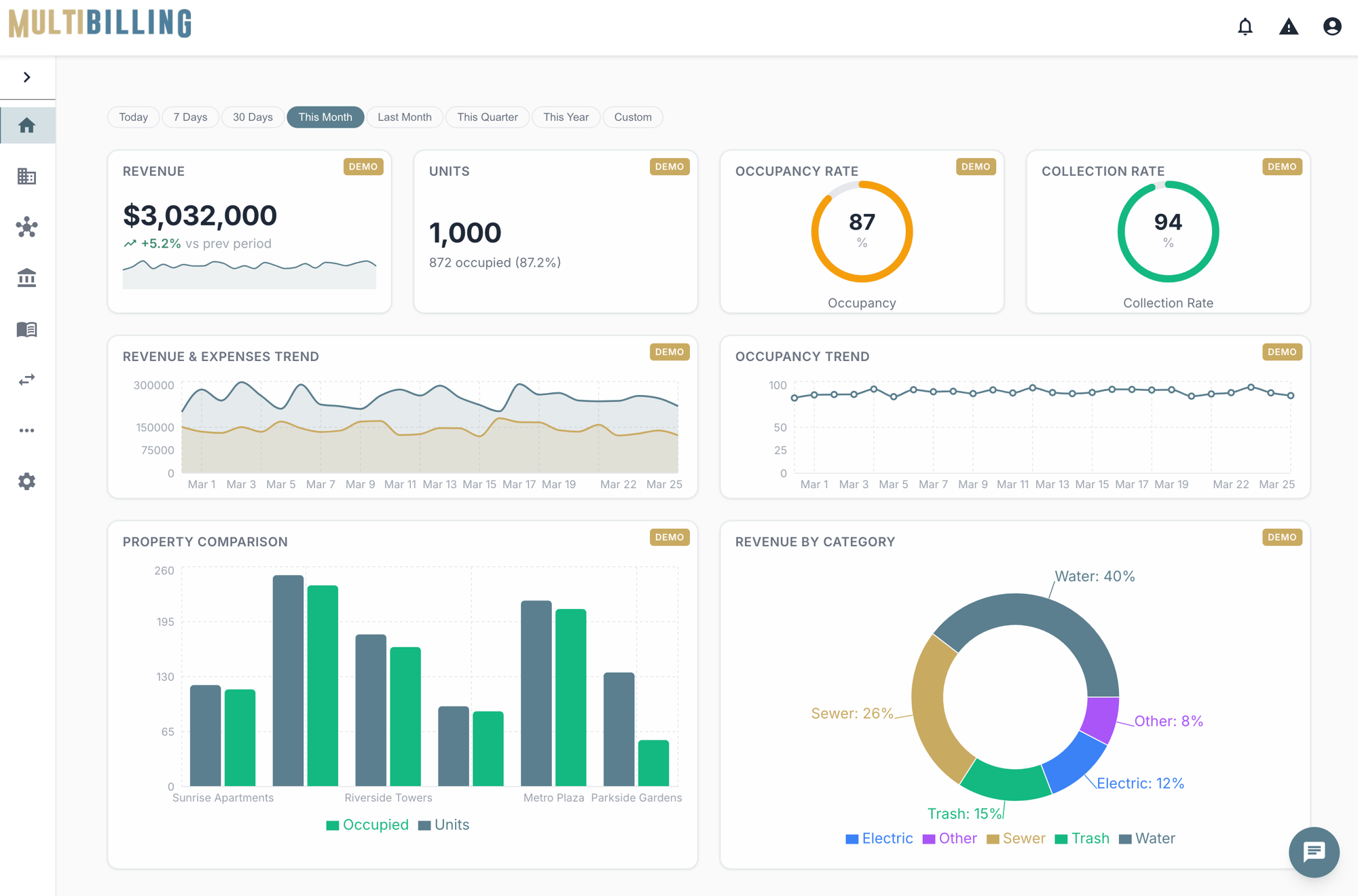
Every change flows through effective-date controls, role-based approval, and audit history. Mid-cycle, retroactive, seasonal, and board-approved updates apply safely at scale. Effective-dated rate management ensures the correct rate at the correct time. Bulk changes flow through role-based permissions, approvals, and separation of duties so only authorized users create, modify, approve, or apply rate changes that affect customer billing. Every change preserves a record of what changed, who changed it, when, which accounts were affected, what approval was provided, and how it impacted the cycle.
Step 01
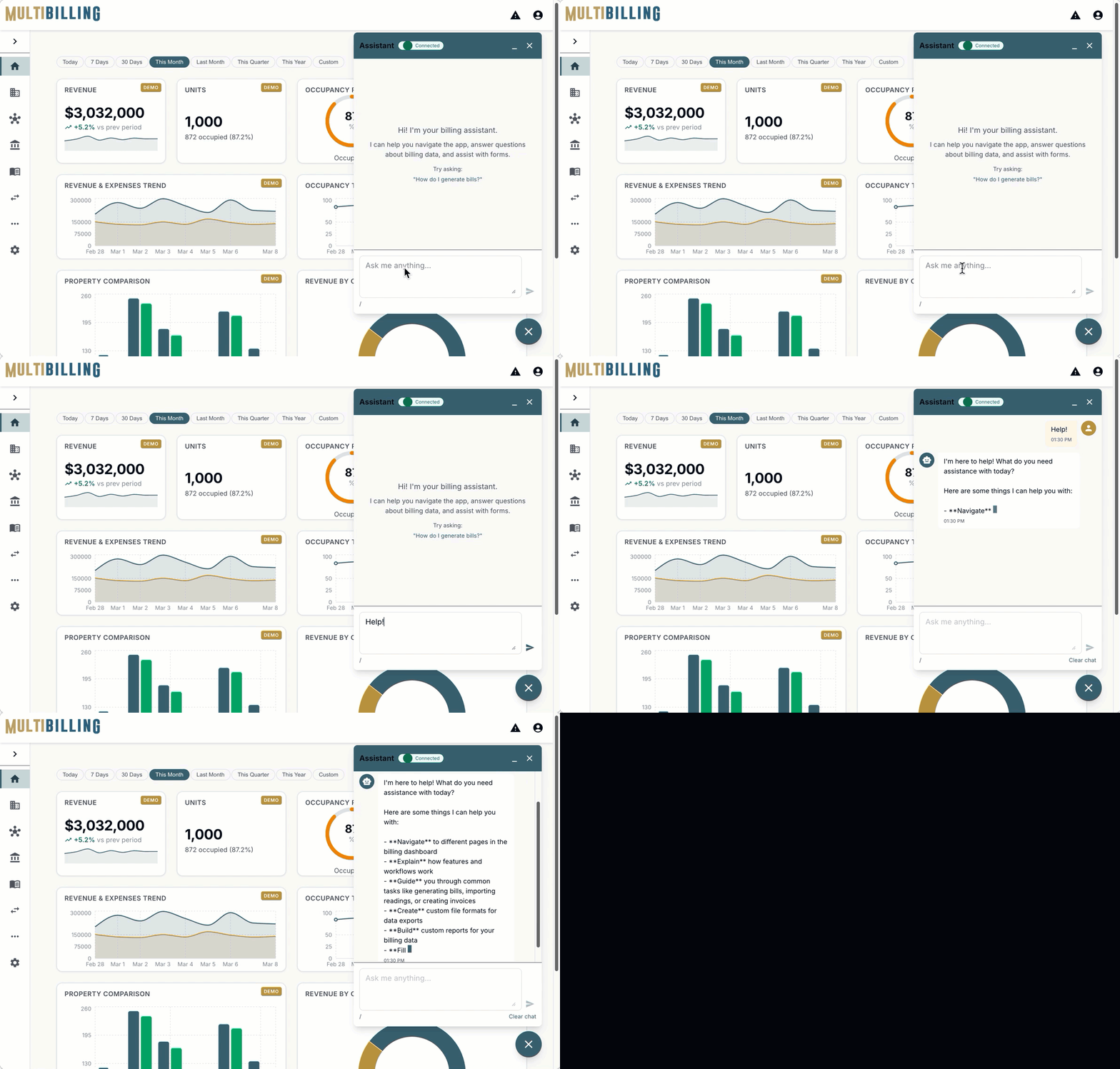
Conventional platforms ship rate changes off to a separate configuration tool, often operated by technical staff or vendor support. The billing team sets the requirements, the technical staff writes the script, and the impact gets reviewed after the bills are out the door. MultiBilling integrates bulk rate changes inside the billing workflow. The team that owns billing owns the rate change. The impact previews before posting. The audit trail captures every step. Before, rate changes were a behind-the-scenes script with delayed impact. After, rate changes are a transparent, governed workflow with predictive impact.
Step 02
Billing teams complete annual rate updates, fee changes, tax adjustments, and program-based changes without depending on technical scripts or vendor support. Finance teams see revenue impact projections before bills generate. Customer service teams prepare for inquiries because the customer impact analysis is in their hands before the bills arrive. Managers approve through role-based workflow. Auditors pull the change history without a reconstruction project. Across billing and finance, the lead time from rate decision to applied change drops sharply, and staff reclaim more than half of the billing and finance team’s monthly labor for higher-value work.

Step 03
Bulk Rate Changes connect to CIS for customer and account context, to billing for cycle integration, to reporting for impact analysis, to customer communications for notice preparation, and to the AI Assistant for guided execution. Multi-entity organizations apply rate changes by entity, service type, customer class, property group, jurisdiction, or billing rule. Effective dating, role-based approval, and audit history flow through every change. Dynamic rate management creates the foundation for AI agents that monitor upcoming changes, validate readiness, detect exceptions, generate impact summaries, and prepare audit evidence before billing authorization. Rate change execution becomes a connected, observable, AI-ready discipline.

[Customer quote placeholder. 2 to 3 sentences from a billing director or operations leader at a municipal utility, MSO, or property management company. Focus on time saved per cycle or exception backlog reduction.]
Trusted by Utility & Property Operations Teams


Send us your last annual rate change package and the customer impact questions your team fielded afterward, and we will show you the same change running inside MultiBilling. You will see the affected-population selection, the impact preview, the effective dating, and the audit trail. The day rate changes stop requiring vendor support is the day the labor reclaim starts.
Schedule a demo to explore the platform in detail and see how MultiBilling fits your operations and take the next step toward implementation and purchase.
.png?width=1448&height=1086&name=Futuristic%20Screenshot%20of%20MultiBilling%20(1).png)