


[Customer quote placeholder. 2 to 3 sentences from a billing director or operations leader at a municipal utility, MSO, or property management company. Focus on time saved per cycle or exception backlog reduction.]

Most platforms bolt an AI assistant onto the corner of the screen as a chat window users open when they get stuck. MultiBilling takes a different path. The AI Assistant lives as a contextual layer on every screen, interpreting what the user sees, explaining what the data means, and recommending the next-best action without leaving the workflow. New hires learn faster, experienced staff move faster, and support tickets for routine “how do I” questions fall away. The work shifts from task execution to workflow orchestration, and operations and support teams reclaim more than half of their monthly labor for higher-value work.
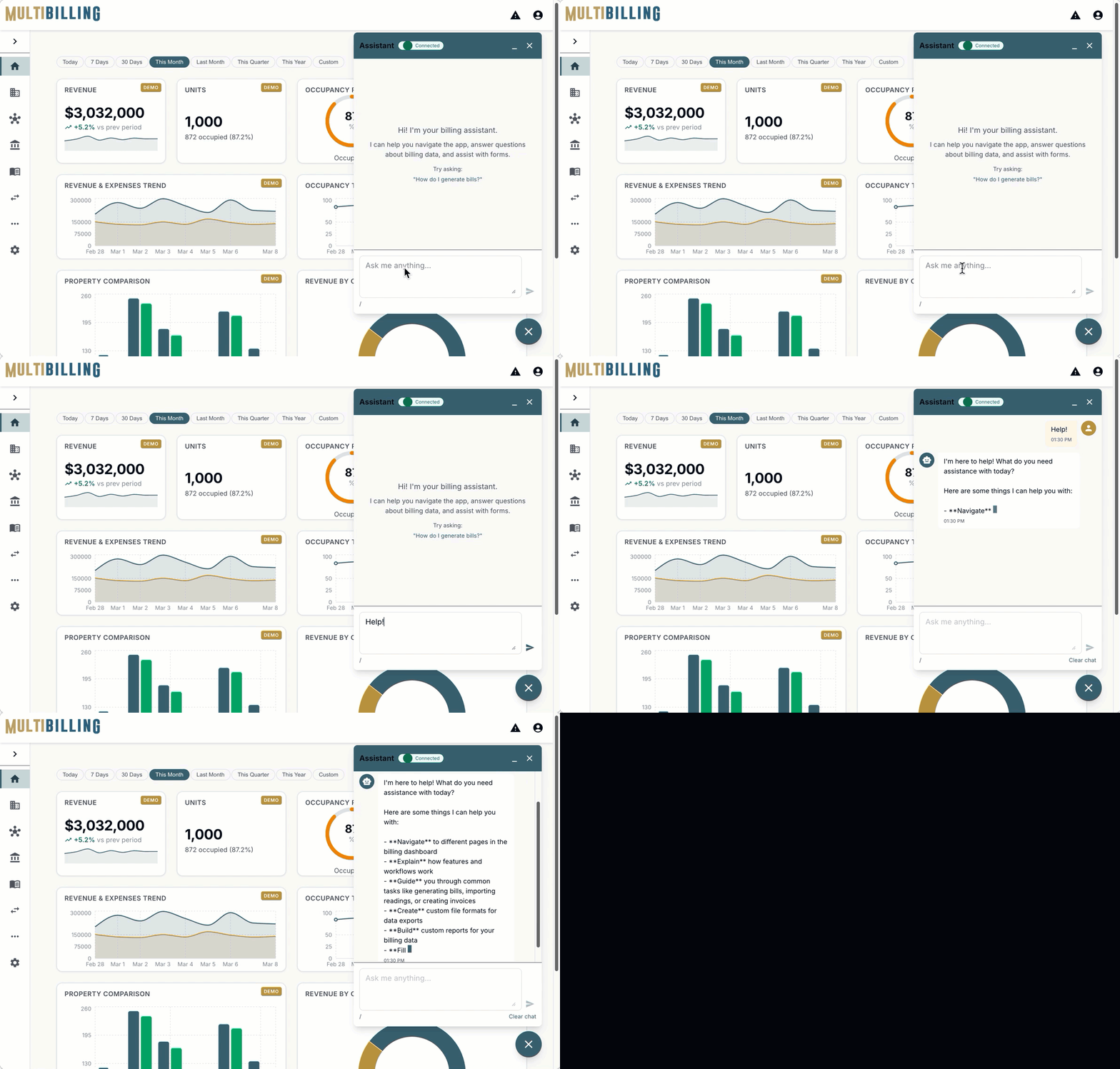
The AI Assistant is not a separate destination. It is a layer that travels with the user across billing, payments, CIS, collections, reporting, and service workflows. A specialist running a billing cycle sees explanations next to the screen they are reviewing. A customer service rep handling a balance question sees the account summary translated into plain language. A field manager scanning meter exceptions sees recommended re-read priorities. Because the guidance is in context, users do not have to copy a record number into a chat box or describe what they see; the Assistant already knows.
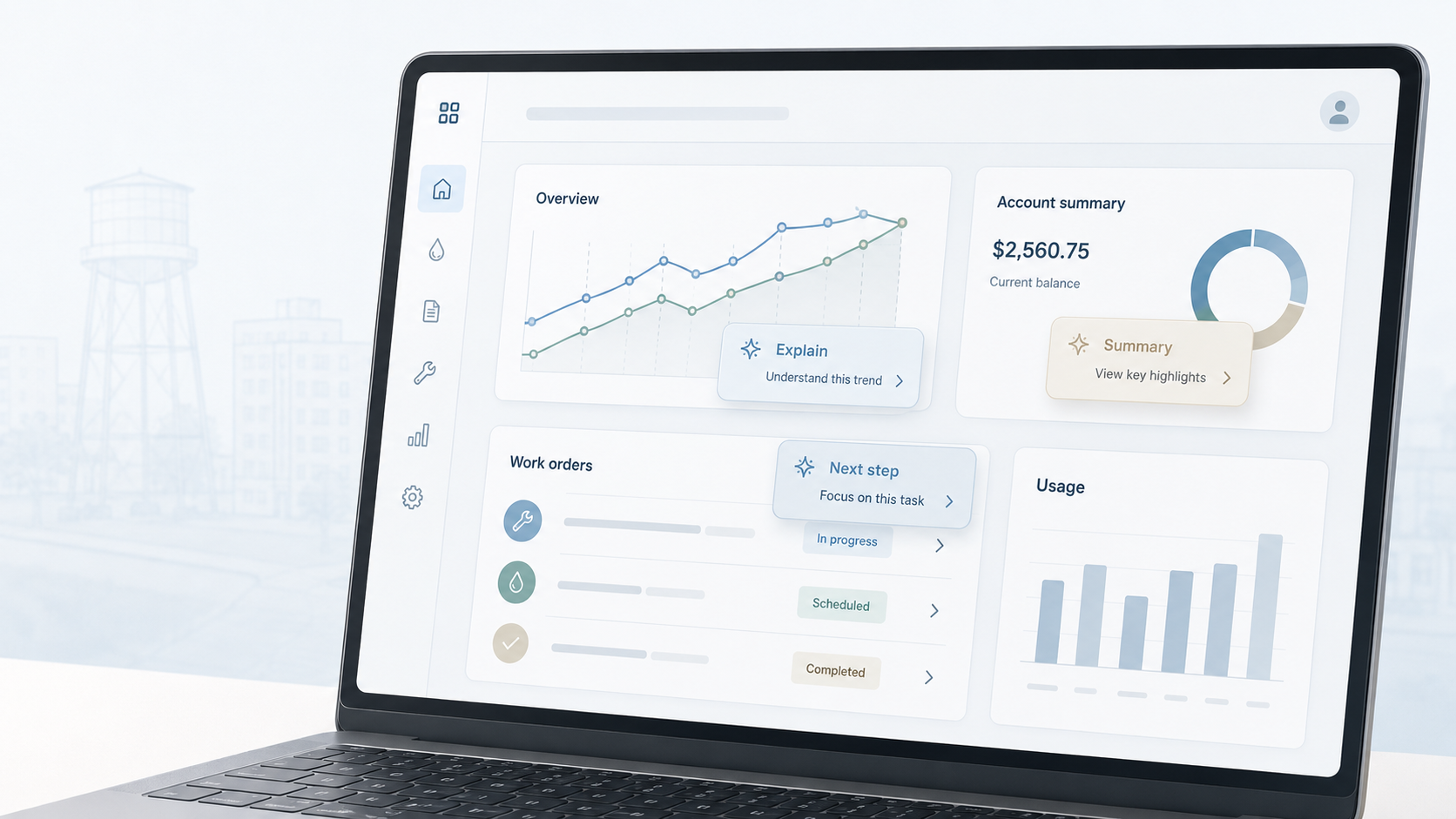
Data, decoded in placeReports, KPIs, and exceptions get explained the moment users land on them. The Assistant identifies which numbers are moving, which thresholds are breached, and which records caused the variance. Instead of asking what a report means, users see the interpretation and the next move side by side. Asking “why was this account flagged” returns a summary of the rule, the data that tripped it, and what action typically resolves it. Decision confidence goes up, dependency on power users goes down.
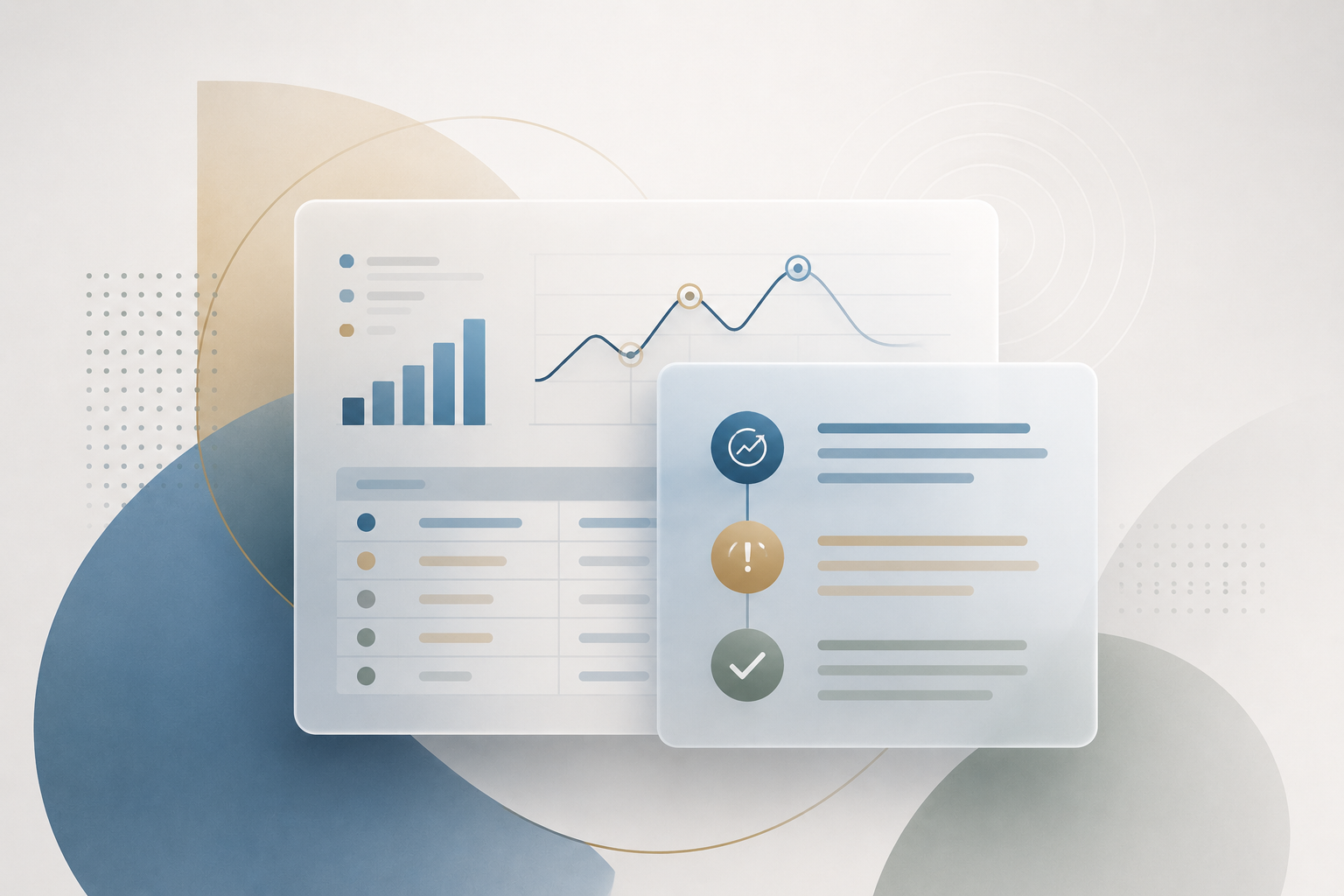
The MultiBilling AI Assistant interprets KPIs, explains exceptions, and recommends the next best move from inside the Home Page. Less hunting, less hand-rolled investigation, more closed exceptions per hour.

[Customer quote placeholder. 2 to 3 sentences from a billing director or operations leader at a municipal utility, MSO, or property management company. Focus on time saved per cycle or exception backlog reduction.]
Trusted by Utility & Property Operations Teams


MultiBilling unifies high-performance billing, real-time analytics, configurable reporting, and AI-assisted workflows into a single platform built for scale, speed, and operational clarity. It reduces manual effort, improves visibility across operations, and helps teams manage complex billing environments with greater accuracy and control.
Schedule a demo to explore the platform in detail and see how MultiBilling fits your operations and take the next step toward implementation and purchase.
.png?width=1448&height=1086&name=Futuristic%20Screenshot%20of%20MultiBilling%20(1).png)