
From Static Reports to Performance Management in Real Time

Most platforms publish a library of static reports users hunt through after the fact. MultiBilling rebuilds reporting as a performance management engine that organizes every report and KPI by operational domain, displays the right indicators inside the workflows where decisions happen, and evolves from manual review to AI-augmented anomaly detection, prediction, and prescription. Teams stop reviewing the past and start managing the present. Billing risk, payment exposure, and operational exceptions surface before they compound. Analytics and operations teams reclaim more than half of their monthly labor for higher-value, actionable work.
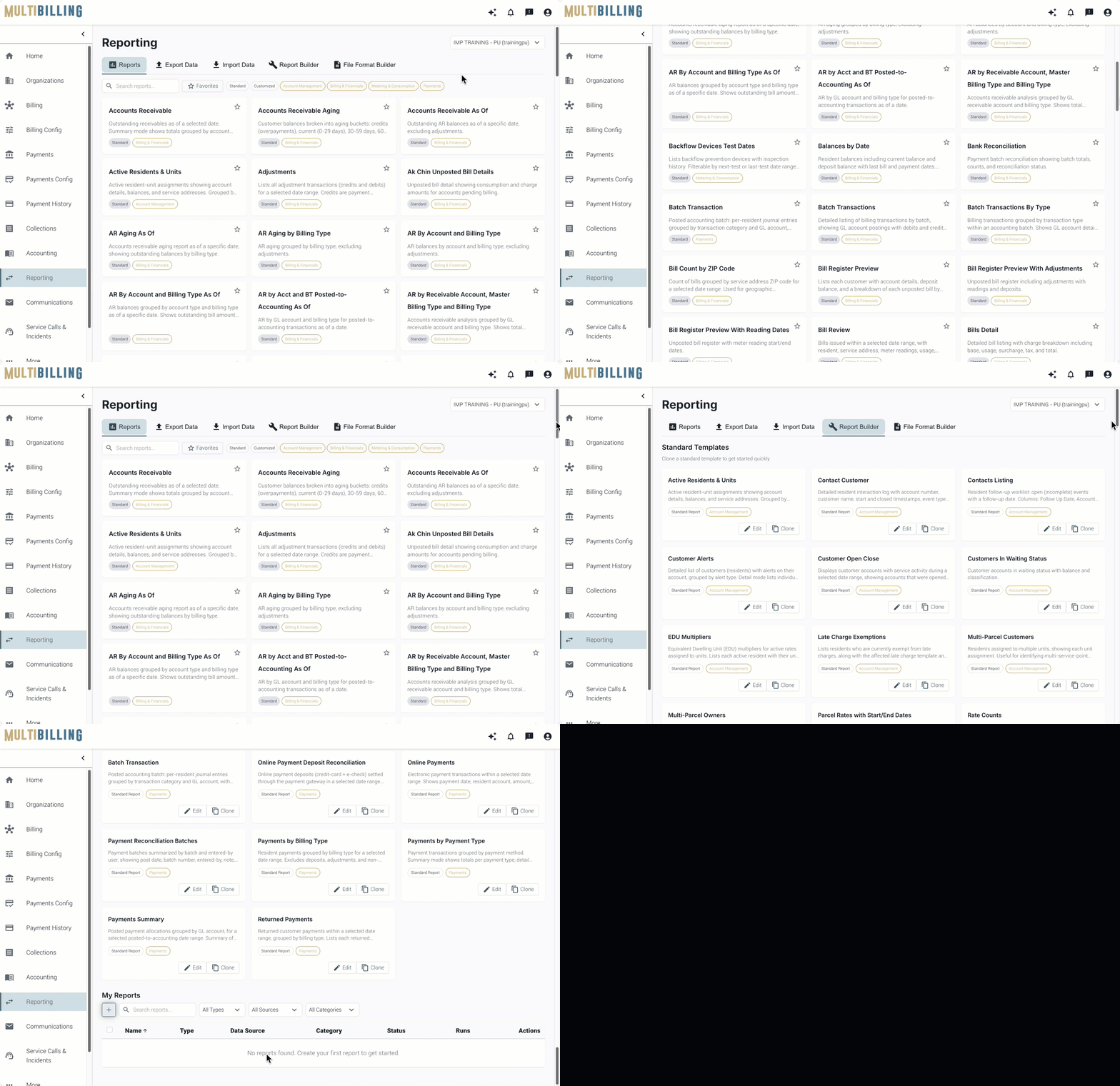
Reports

Three Ways MultiBilling Reporting Changes Daily Work

Choose Here
  • From reports to performance management
  • KPIs where decisions happen
  • Built for AI-augmented analysis

From reports to performance management

Reports and KPIs are organized by operational domain rather than dumped into a generic library. The reporting layer becomes an engine for managing performance instead of reviewing it after the fact. Billing, accounting, payments, collections, customer management, service requests, incidents, meter management, and entity oversight each get their own theme-based clusters. Users find the right report in the right operational context, with the right KPIs already attached. Theme-based clusters help teams understand which reports matter, which indicators apply, and how each insight supports the next decision.
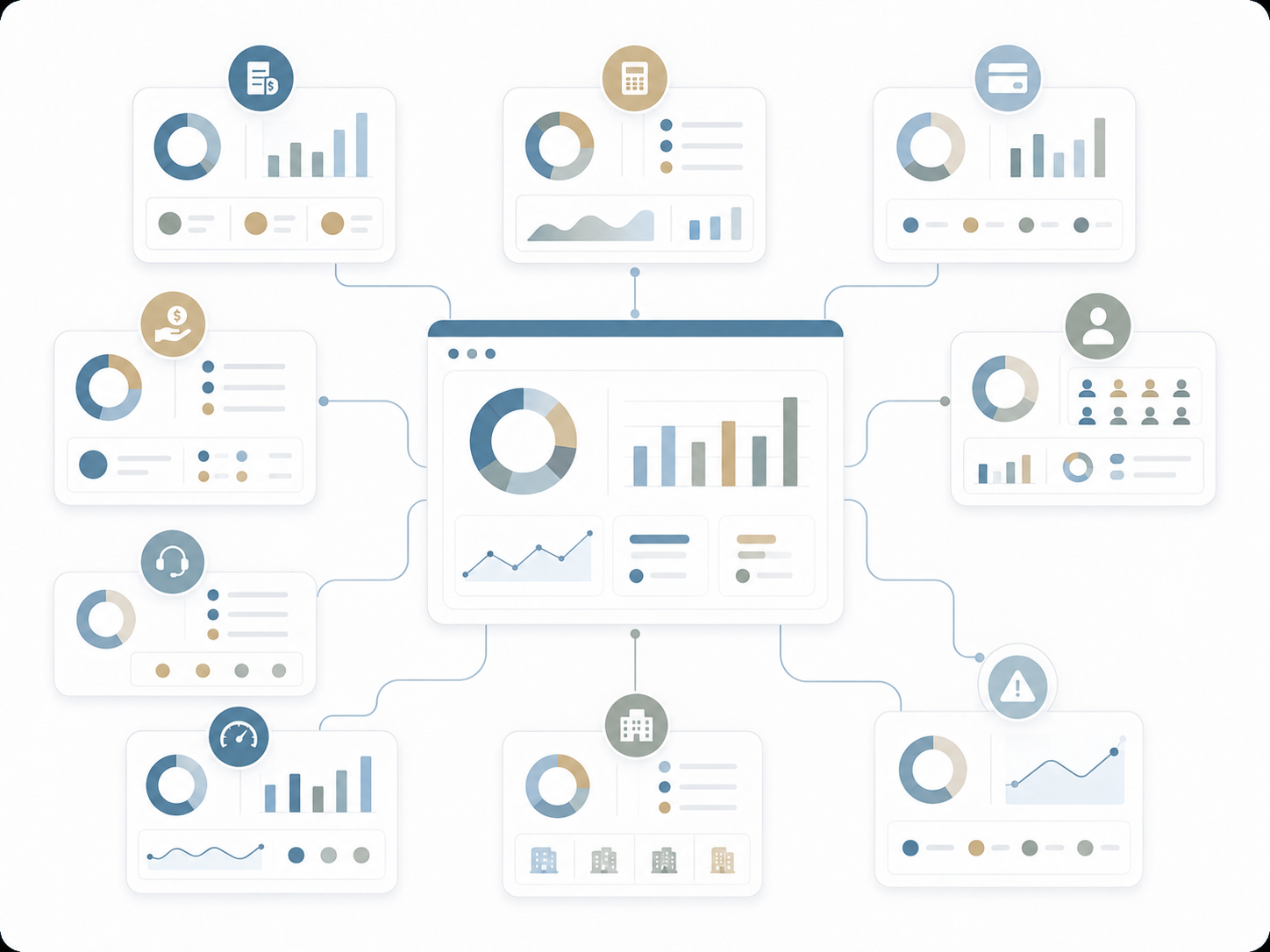
Illustration of a central analytics dashboard connected to multiple billing, payment, customer, support, property, performance, and alert reporting cards.

KPIs where decisions happen

Performance indicators show up inside the workflows where they matter. Billing teams see cycle KPIs inside the billing dashboard. Payment teams see exposure indicators inside the payments view. Collections teams see delinquency risk inside the collections workflow. Customer service teams see service backlog indicators where they handle calls. Instead of opening a separate analytics tool, users act on signals in context. The reporting tier and the operational tier merge into one decision surface.
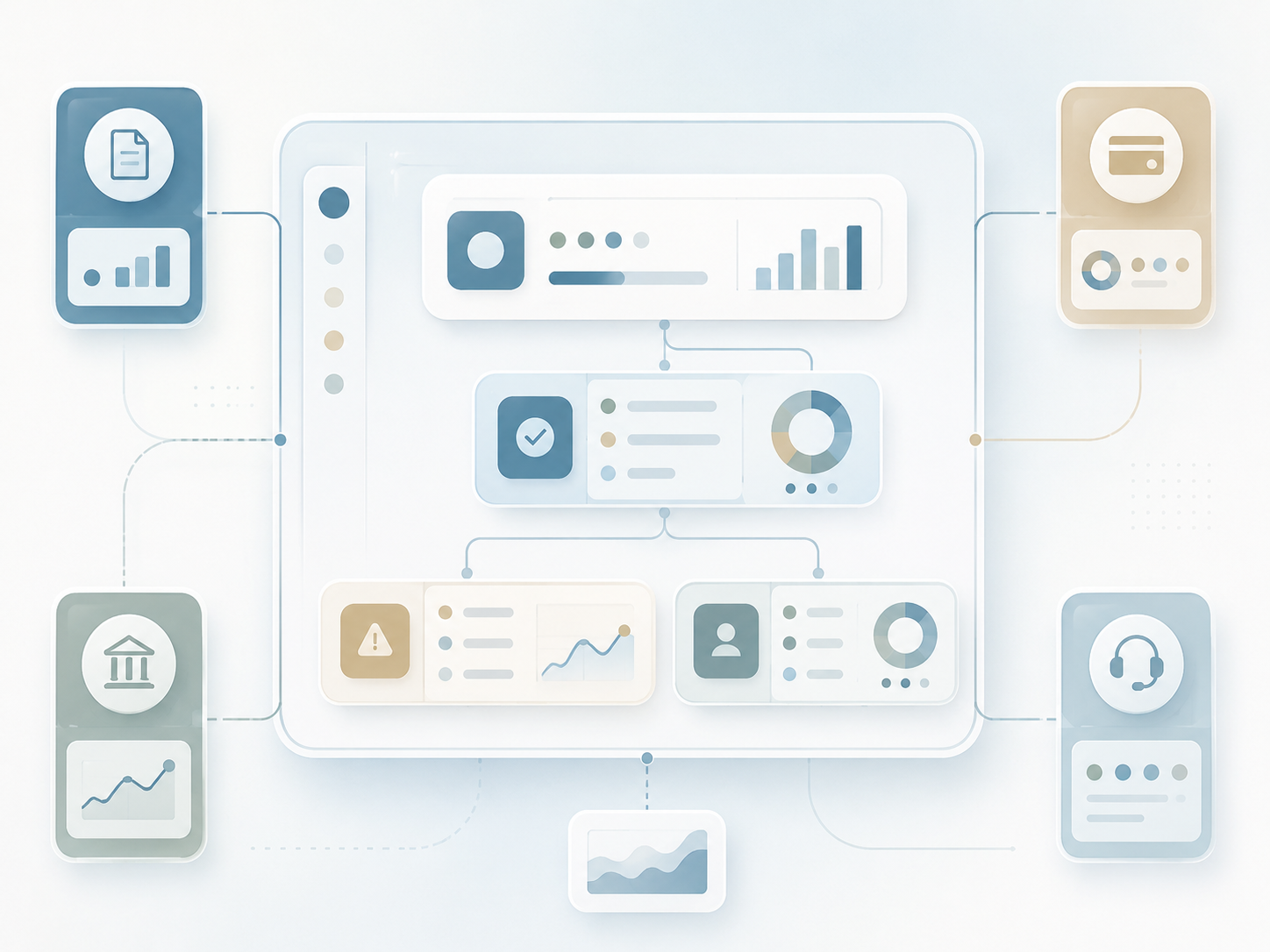
Illustration of a central dashboard connected to billing, municipal, payment, support, alert, customer, and analytics cards for unified operational visibility.

Built for AI-augmented analysis

The reporting model is the foundation for AI agents that surface anomalies, predict risks, and recommend actions. Manual slice-and-dice gives way to anomaly detection that arrives before the problem does. The AI Assistant interprets KPIs, explains performance shifts, and suggests next-best actions inside the same screens. Parameterized reporting, Boolean filters, Group By, Order By, and multi-format export support the analyst day-to-day; AI augmentation handles the patterns analysts would otherwise spend weeks finding.
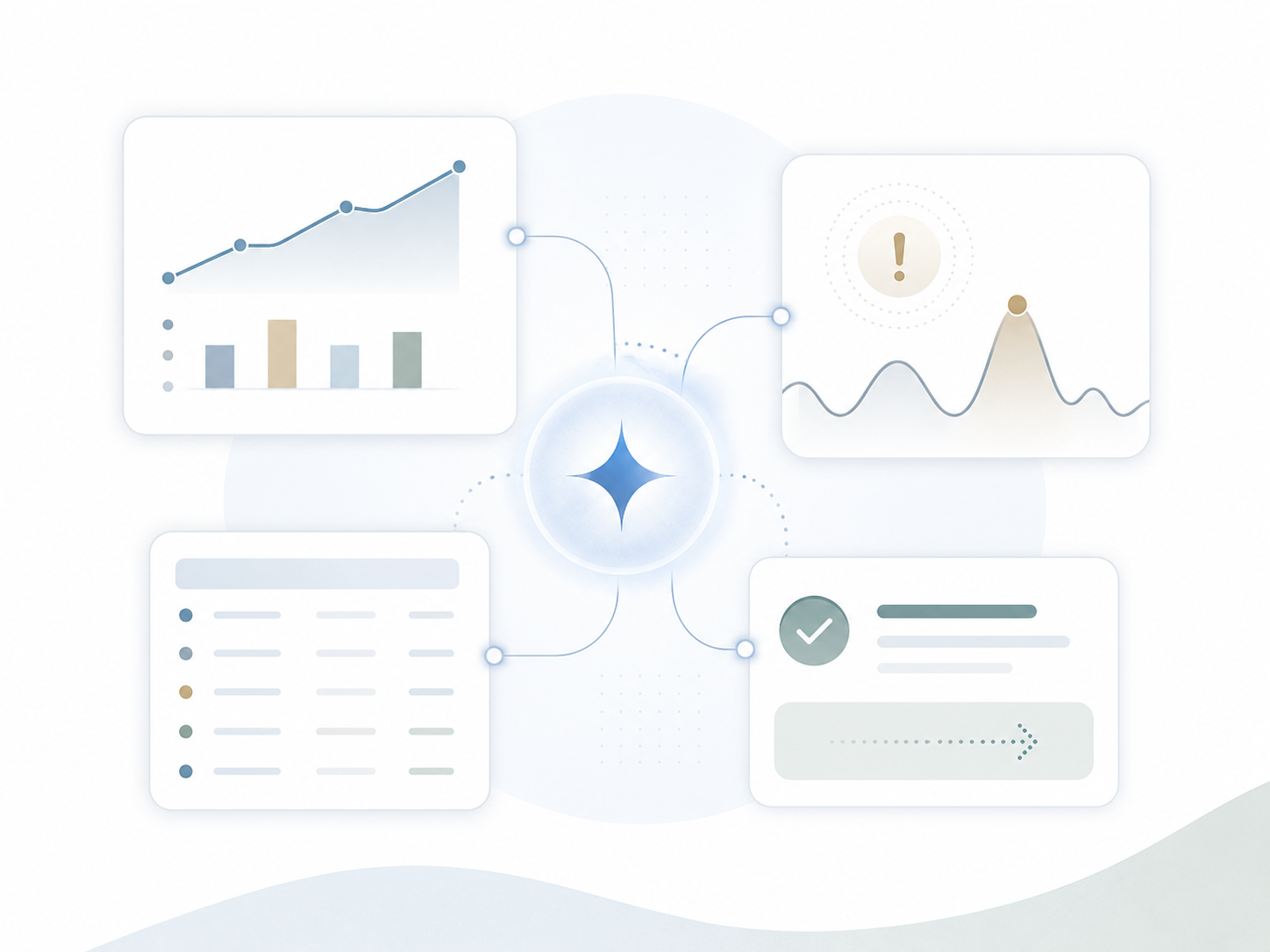
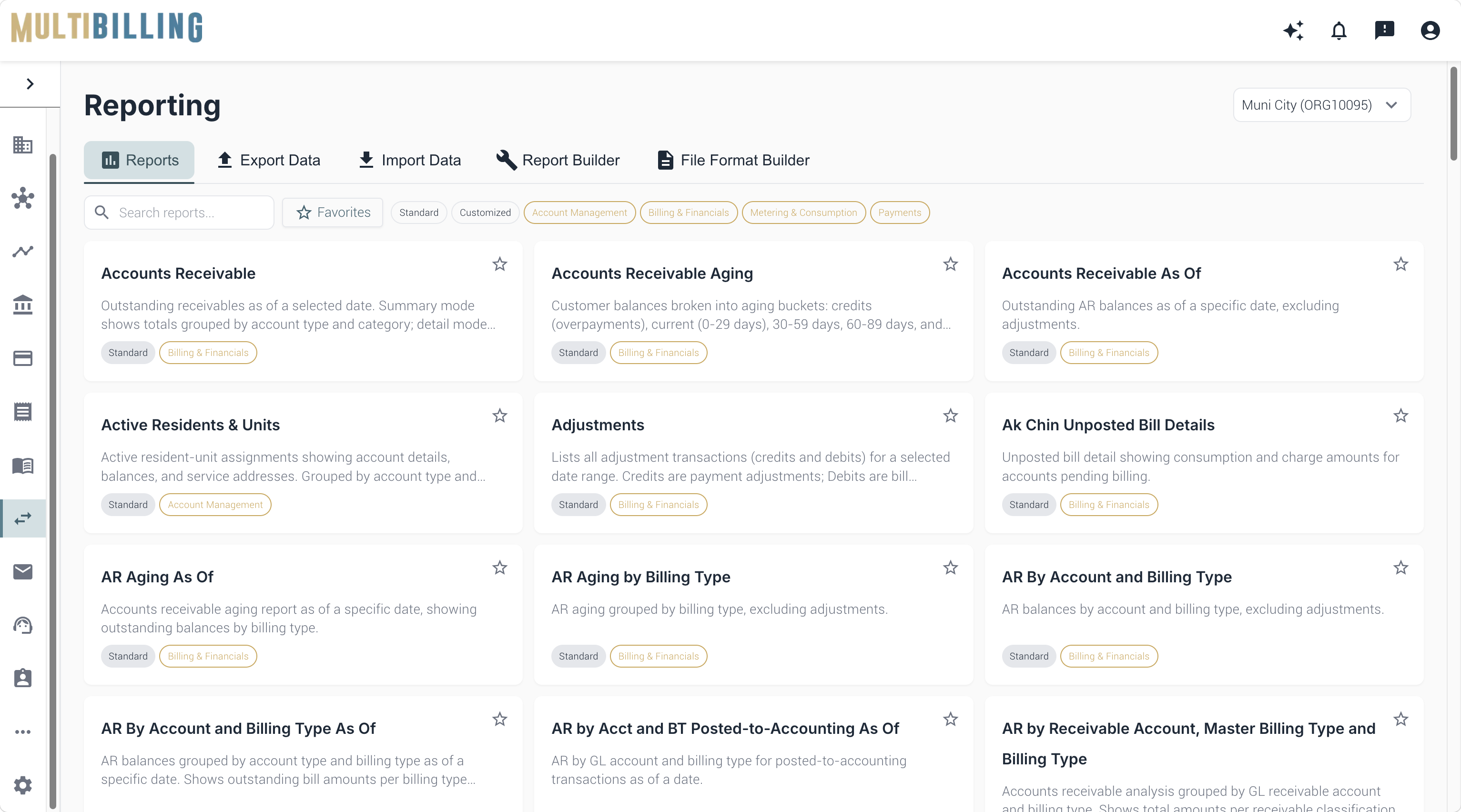
Illustration of an AI-assisted analytics hub connecting performance charts, anomaly alerts, data tables, and approved next-step recommendations.

How Is It Different?

Measure. Monitor. Manage.

Why MultiBilling Reporting Stands Apart

Conventional reporting in utility billing is a library. Hundreds of reports sit in a menu, each a static snapshot waiting for a user to come look. Teams pull weekly reports, copy numbers into spreadsheets, and react to what happened last week. MultiBilling rebuilds reporting as a performance management engine. Reports organize by operational domain. KPIs surface inside workflows. Anomalies trigger notifications. The data layer becomes the substrate for AI agents that find what humans would miss. Before, reporting was a backward-looking record. After, reporting is a forward-looking engine that manages performance in the moment.

What Changes for Your Team?

See. Prioritize. Reclaim.

Analysts stop building the same ad-hoc reports every week because the KPI tiles, anomaly alerts, and exception summaries are already inside the workflows. Managers walk into reviews with the indicators in front of them instead of asking analytics to compile decks. Billing teams see cycle risk before posting. Payment teams catch exposure before write-offs. Collections see delinquency risk early. Executives see portfolio performance without weekly status meetings. Across analytics and operations, the manual slicing, dicing, and after-the-fact review drops sharply, and staff reclaim more than half of the analytics and operations team’s monthly labor for higher-value, actionable work.

How Does It Turn Into Action?

Route. Verify. Sync.

Reporting connects to every other MultiBilling function. KPIs draw from CIS, billing, payments, collections, service, incidents, and entity data. Event-based monitoring triggers notifications when thresholds get crossed. The AI Assistant interprets and recommends in context. Parameterized reporting with Boolean filters, Group By, Order By, and multi-format export supports the analyst workflow. Spreadsheet-style analysis lives alongside structured reports. The Data Exchange menu supports exporting, analyzing, and exchanging data for operational review, reconciliation, audit prep, and performance analysis. Reporting becomes a connected, observable, AI-ready discipline.

What MultiBilling Reporting Delivers

A performance management engine that organizes reports and KPIs by operational domain, embeds indicators in workflows, and prepares for AI-augmented analysis.

Domain-Organized Performance Management

Reports and KPIs organize by the utility billing functions they support, replacing the static library model with a structured performance management framework.

  • Reporting beyond static review: Reports become the substrate for performance management, risk identification, accuracy validation, and trend monitoring.
  • Organized around utility billing domains: Reports and analytics cluster around billing, accounting, payments, collections, customer management, service, meter, and entity functions.
  • KPI governance by function: The platform clarifies which metrics matter most by topic, workflow, and business function so teams define thresholds, monitor trends, and act consistently.

In-Workflow KPIs and Dashboards

Performance indicators surface where decisions happen. The reporting layer and the operational layer share one user surface.

  • KPI widgets where work happens: KPIs surface dynamically in the Home Page and inside billing, accounting, payments, collections, and customer service workflows.
  • Dashboards as operational guidance: Integrated dashboards help teams monitor trends, identify workload issues, detect exceptions, and prioritize action.
  • Dynamic spreadsheet-style analysis: Flexible spreadsheet-style capability lets teams slice, filter, group, compare, and export without static layout limits.

Flexible Analysis and AI Readiness

The reporting model supports parameterized reporting today and AI-augmented anomaly detection, prediction, and prescription as the platform matures.

  • Flexible parameterized reporting: Configurable parameters, Boolean filters, Group By, Order By, and multi-format export give users control over how data queries, organizes, and shares.
  • Improved risk detection and accuracy: Connected reports, KPIs, dashboards, and drill-down analysis help detect billing risks, payment issues, collections exposure, reconciliation gaps, and operational exceptions earlier.
  • Foundation for AI agent analysis: The reporting model establishes the substrate for AI agents that surface anomalies, predict risk, and recommend actions.

Check out the screen yourself!

You can interact with the dots below to learn more about the screen.

Reporting Page

Reports Tab

The Reports tab displays available reports for the selected organization. Use this area to search, filter, favorite, and open reports.

Export Data

Use Export Data to download information from the system for review, sharing, accounting, analysis, or external reporting needs.

Import Data

Use Import Data to upload information into the system, such as files or datasets needed for billing, payments, or account updates.

Report Builder

Report Builder allows users to create customized reports based on the fields, filters, and data views available to their organization.

File Format Builder

File Format Builder is used to configure file layouts for imports, exports, or integrations that require a specific data format.

Search Bar

Use the search bar to quickly find a report by name, keyword, or topic.

Favorites Filter

Select Favorites to view reports you have marked with a star for faster access.

Category Filters

Use these category filters to narrow the report list by type, such as standard reports, customized reports, account management, billing and financials, metering and consumption, or payments.

Report Cards

Each report card includes the report name, a short description, and category labels to help you understand what the report is used for.

[Customer quote placeholder. 2 to 3 sentences from a billing director or operations leader at a municipal utility, MSO, or property management company. Focus on time saved per cycle or exception backlog reduction.]

review-future

Dr. Alice Bennett

AI Expert, MIT
Case Study

[Customer Name]

[X%]

[Outcome metric: reduction in billing exception backlog, hours reclaimed per month, days saved per cycle]

Ready to See MultiBilling in Action?

Send us the three reports your analysts rebuild every week, and we will show you what the same insights look like inside MultiBilling. You will see them organized by domain, embedded in workflows, and augmented with anomaly detection. The day weekly reports become real-time KPIs is the day the analytics team gets the labor back.

Schedule a demo to explore the platform in detail and see how MultiBilling fits your operations and take the next step toward implementation and purchase.

Futuristic Screenshot of MultiBilling (1)
