Rate Changes Inside Billing. Preview Impact. Govern Every Change.

Most platforms relegate rate changes to a separate configuration area where billing teams hand off to technical staff and only see the impact after bills generate. MultiBilling integrates bulk rate changes inside the billing workflow itself, applying updates at scale, previewing financial and customer impact before posting, and governing every change through effective dating, role-based approval, and audit history. Teams complete annual updates, fee changes, and program adjustments without scripts or vendor support. Rate-related exceptions get caught before bills generate. Billing and finance teams reclaim more than half of their monthly labor for higher-value work.

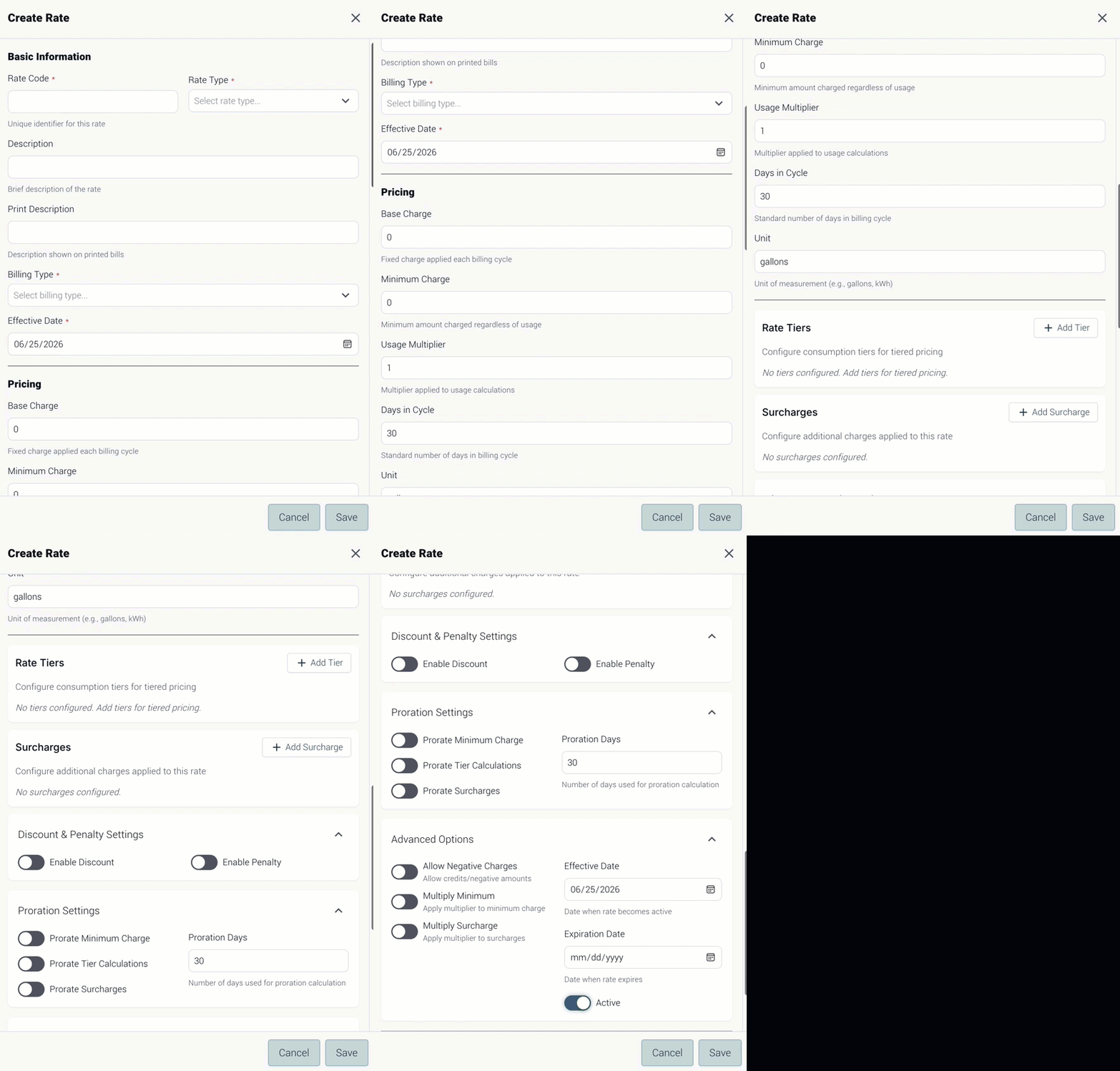
Create Rate

Three Ways MultiBilling Bulk Rate Changes Daily Work

Choose Here
  • Rate changes inside billing
  • Preview impact before posting
  • Governed by effective dating

Rate changes inside billing

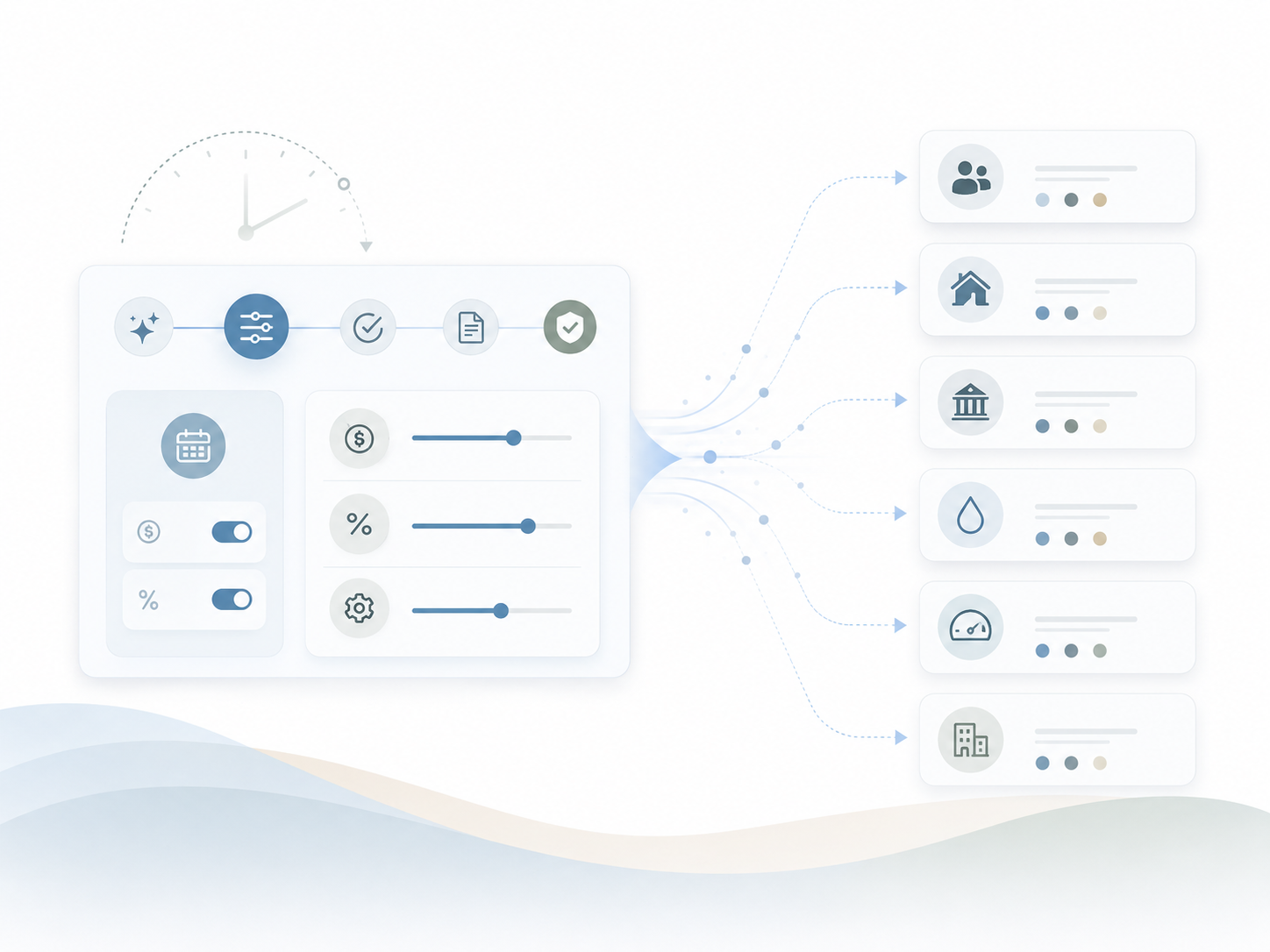
Annual updates, fee changes, and program adjustments happen inside the billing workflow itself. The handoff to technical staff and vendor scripts that used to delay every rate cycle is gone. Bulk changes apply across large groups of customers, residents, services, meters, locations, properties, municipalities, or managed entities without repetitive manual entry. Annual rate updates, fee changes, tax updates, surcharge adjustments, and program-based rate changes process inside the same operational context where bills are prepared.

Illustration of configurable billing settings flowing into separate customer, property, municipal, utility, meter, and portfolio workflows.

Preview impact before posting

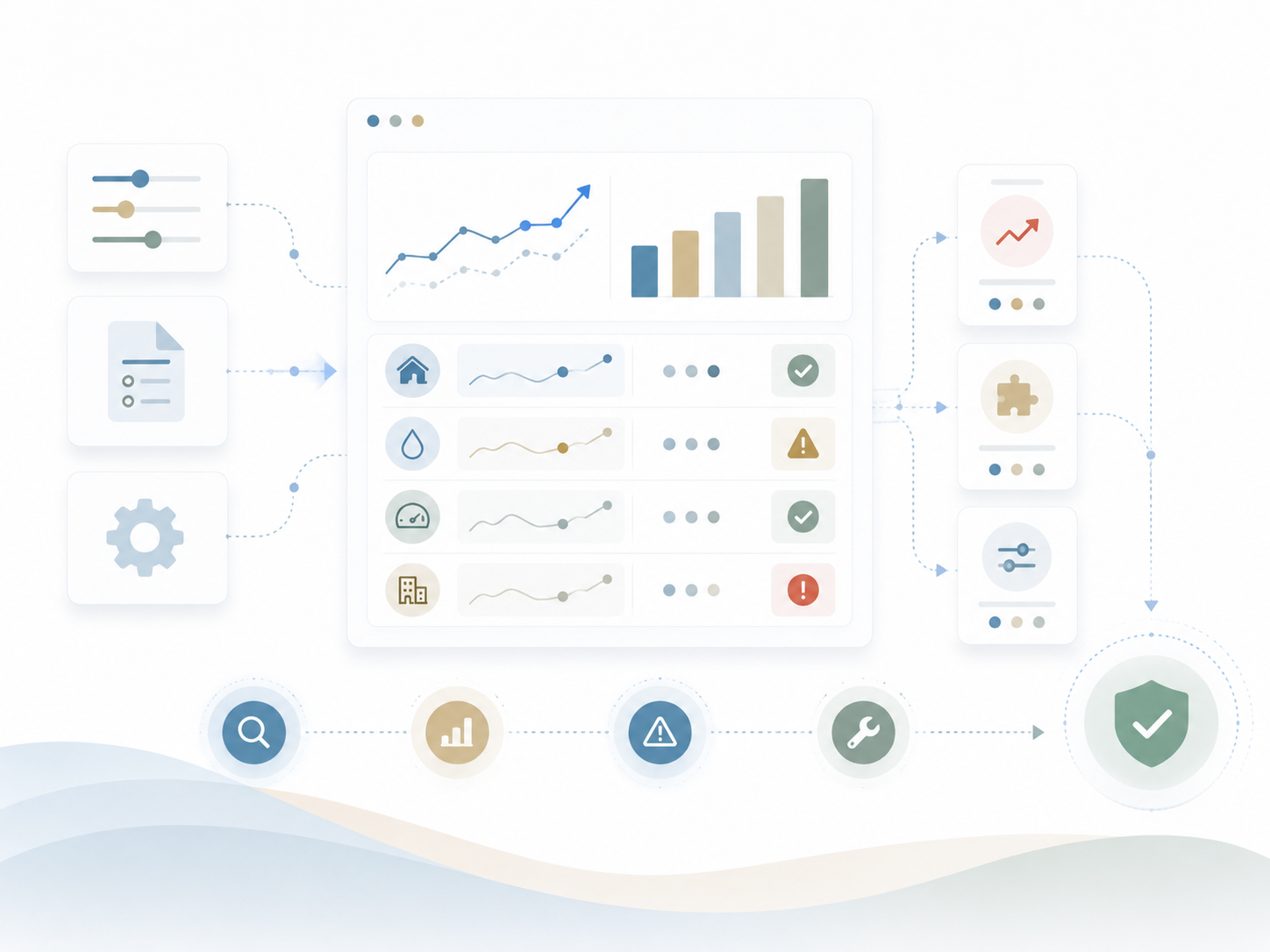
The financial and customer impact of a rate change is visible before bills generate. Unusual increases, missing accounts, and configuration errors get fixed upstream instead of after the cycle. Users preview the financial and customer impact, confirm expected outcomes, and identify exceptions before they affect customer bills. Rate-related exceptions like accounts without assigned rates, locations excluded from an expected group, services with conflicting effective dates, unusual bill increases, and changes outside expected thresholds flag for review.

Illustration of a configurable analytics dashboard showing performance trends, property and utility metrics, validation statuses, alerts, and workflow controls moving toward final approval.

Governed by effective dating

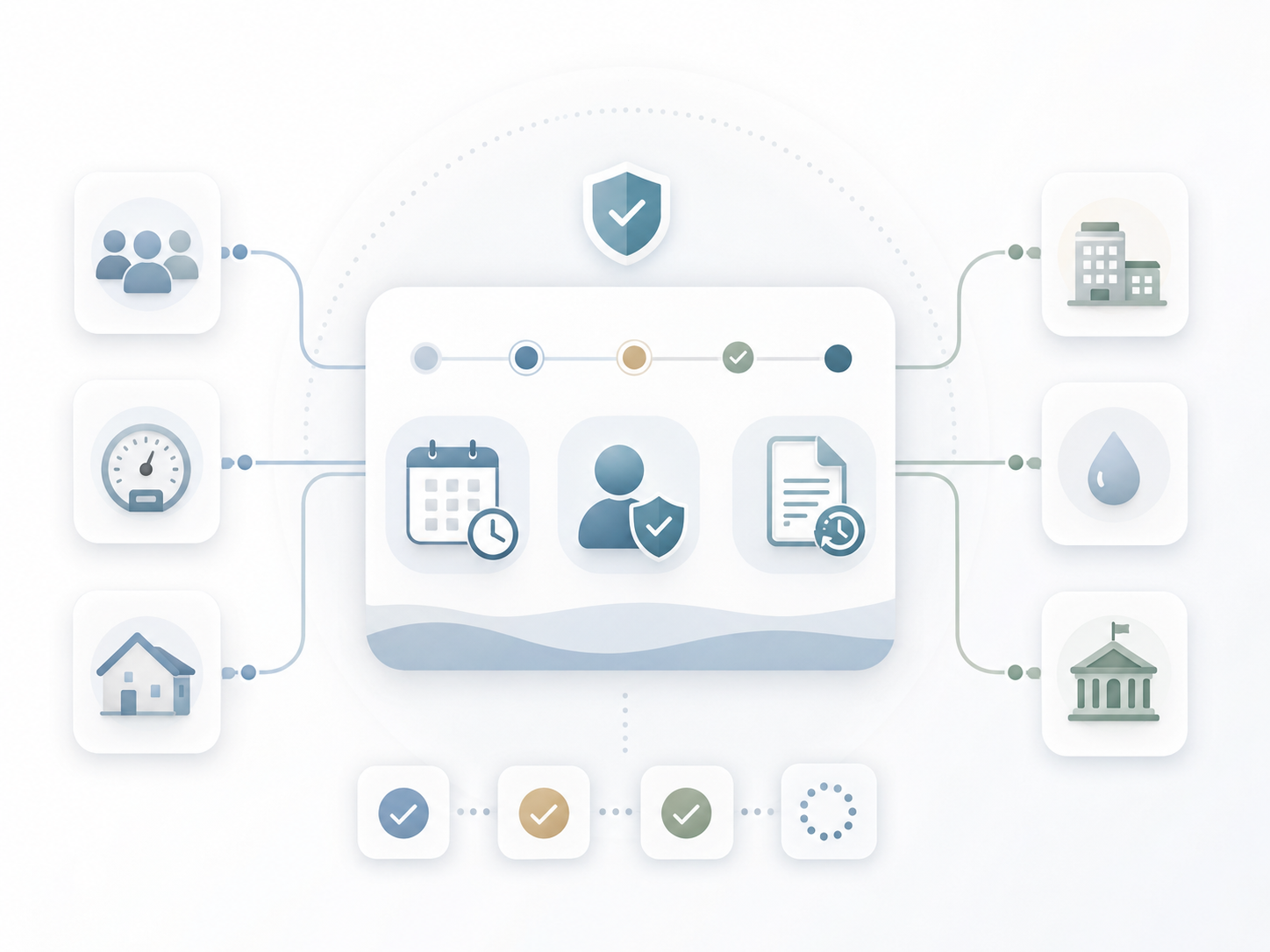
Every change flows through effective-date controls, role-based approval, and audit history. Mid-cycle, retroactive, seasonal, and board-approved updates apply safely at scale. Effective-dated rate management ensures the correct rate at the correct time. Bulk changes flow through role-based permissions, approvals, and separation of duties so only authorized users create, modify, approve, or apply rate changes that affect customer billing. Every change preserves a record of what changed, who changed it, when, which accounts were affected, what approval was provided, and how it impacted the cycle.

Illustration of a secure workflow dashboard connecting users, meters, homes, buildings, utilities, and municipalities through scheduled reviews, permission checks, document updates, and approval steps.

How Is It Different?

Preview. Govern. Apply.

Why MultiBilling Bulk Rate Changes Stands Apart

Conventional platforms ship rate changes off to a separate configuration tool, often operated by technical staff or vendor support. The billing team sets the requirements, the technical staff writes the script, and the impact gets reviewed after the bills are out the door. MultiBilling integrates bulk rate changes inside the billing workflow. The team that owns billing owns the rate change. The impact previews before posting. The audit trail captures every step. Before, rate changes were a behind-the-scenes script with delayed impact. After, rate changes are a transparent, governed workflow with predictive impact.

What Changes for Your Team?

Update. Approve. Reclaim.

Rate Changes on Your Timeline, Without IT or Vendor Involvement

Billing teams complete annual rate updates, fee changes, tax adjustments, and program-based changes without depending on technical scripts or vendor support. Finance teams see revenue impact projections before bills generate. Customer service teams prepare for inquiries because the customer impact analysis is in their hands before the bills arrive. Managers approve through role-based workflow. Auditors pull the change history without a reconstruction project. Across billing and finance, the lead time from rate decision to applied change drops sharply, and staff reclaim more than half of the billing and finance team’s monthly labor for higher-value work.

How Does It Turn Into Action?

Analyze. Audit. Execute.

Bulk Rate Management Built for Complexity and AI-Ready by Design

Bulk Rate Changes connect to CIS for customer and account context, to billing for cycle integration, to reporting for impact analysis, to customer communications for notice preparation, and to the AI Assistant for guided execution. Multi-entity organizations apply rate changes by entity, service type, customer class, property group, jurisdiction, or billing rule. Effective dating, role-based approval, and audit history flow through every change. Dynamic rate management creates the foundation for AI agents that monitor upcoming changes, validate readiness, detect exceptions, generate impact summaries, and prepare audit evidence before billing authorization. Rate change execution becomes a connected, observable, AI-ready discipline.

What MultiBilling Bulk Rate Changes Delivers

A governed rate change workflow inside billing that applies updates at scale, previews impact, and audits every change.

In-Workflow Rate Change Execution

Rate changes belong inside the billing workflow, applied at scale and connected to the cycles they affect.

  • Rate changes managed inside billing: Bulk rate changes apply, review, validate, and monitor in the same operational context where bills get prepared.
  • Faster execution for high-volume updates: Bulk changes apply across large groups without repetitive manual entry, supporting annual updates, fee changes, tax updates, and program adjustments.
  • Multi-entity rate management: Organizations apply changes by entity, service type, customer class, property group, jurisdiction, or billing rule.

Preview, Validation, and Exception Detection

The financial and customer impact of a change is visible before it posts. Exceptions surface upstream instead of after the bill goes out.

  • Greater control over effective dates: Effective-dated rate management applies the correct rate at the correct time for mid-cycle, future-dated, retroactive, seasonal, and regulatory or board-approved changes.
  • Integrated preview and validation: Users preview financial and customer impact before posting, confirm outcomes, and identify exceptions before bills generate.
  • Exception detection before bill generation: Rate-related exceptions like missing assignments, excluded locations, conflicting dates, unusual increases, missing approvals, and threshold breaches flag for review.

Governance, Audit, and Communication Readiness

Approvals, audit history, and customer communication preparation all live inside the rate change workflow.

  • Role-based approval and governance: Permissions, approvals, and separation of duties ensure only authorized users create, modify, approve, or apply rate changes.
  • Audit-ready change history: Every change preserves what changed, who changed it, when, which accounts and services were affected, what approval was provided, and how it impacted the cycle.
  • Improved customer communication readiness: Teams prepare customer-facing explanations, notices, portal messages, and support scripts before bills go out.

Check out the screen yourself!

You can interact with the dots below to learn more about the screen.

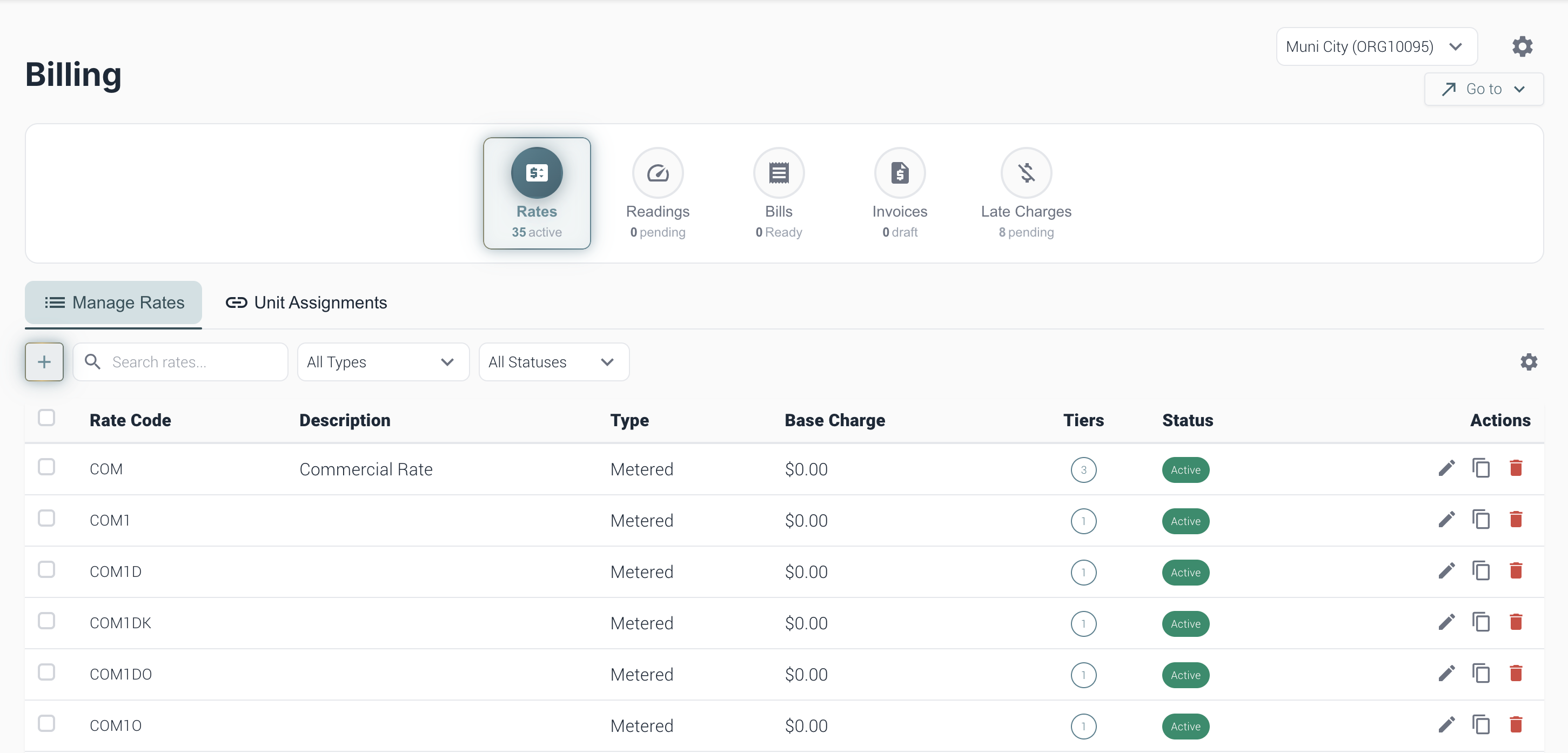
Rates Page

Unit Assignments

Use Unit Assignments to connect rates to the correct units, parcels, or accounts so charges are applied correctly during billing.

Add Rate

Select the plus button to create a new rate. New rates can include rate codes, descriptions, charge types, tiers, and status settings.

Search Rates

Use the search bar to quickly find a rate by rate code, description, or keyword.

Rate Filters

Use the Type filter to narrow the rate list by rate type, such as metered or other configured rate categories.

Use the Status filter to view rates by status, such as active or inactive.

Rates List

This table lists rate details, including the rate code, description, type, base charge, tiers, status, and available actions.

[Customer quote placeholder. 2 to 3 sentences from a billing director or operations leader at a municipal utility, MSO, or property management company. Focus on time saved per cycle or exception backlog reduction.]

review-future

Dr. Alice Bennett

AI Expert, MIT
Case Study

[Customer Name]

[X%]

[Outcome metric: reduction in billing exception backlog, hours reclaimed per month, days saved per cycle]

Ready to See MultiBilling in Action?

Send us your last annual rate change package and the customer impact questions your team fielded afterward, and we will show you the same change running inside MultiBilling. You will see the affected-population selection, the impact preview, the effective dating, and the audit trail. The day rate changes stop requiring vendor support is the day the labor reclaim starts.

Schedule a demo to explore the platform in detail and see how MultiBilling fits your operations and take the next step toward implementation and purchase.

Futuristic Screenshot of MultiBilling (1)