
ITIL-Aligned. Severity-Classified. Patterns Surfaced, Not Buried.

Most platforms treat issues as undifferentiated tickets in a generic queue. Critical incidents sit alongside minor ones, and the recurring patterns that drain support capacity never get visible. MultiBilling rebuilds Incident Management as an ITIL-aligned lifecycle that categorizes every issue by business impact, routes the ones that matter to the right owner, and turns recurring incidents into pattern insights that prevent them from returning. Customer service restores faster. Operations sees the underlying problems that cause repeat work. Customer service and operations teams reclaim more than half of their monthly labor for higher-value work.
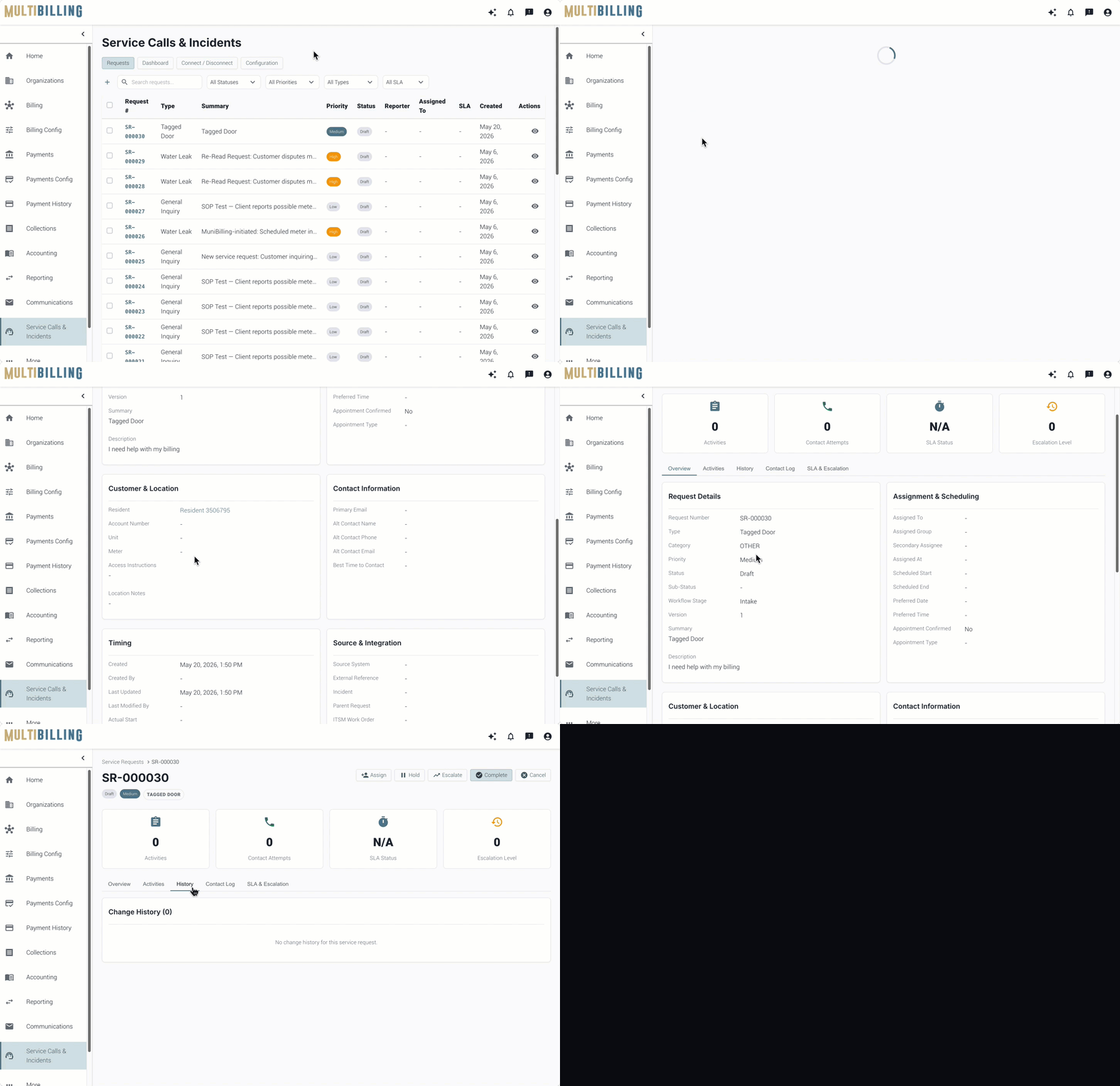
Service Calls & Incidents

Three Ways MultiBilling Incident Management Changes Daily Work

Choose Here
  • ITIL lifecycle, not a queue
  • Full context in every incident
  • Recurring issues become insights

ITIL lifecycle, not a queue

Every issue gets categorized by business impact and routed to the right owner. The generic-ticket queue that used to bury critical issues alongside minor ones is replaced by a structured lifecycle for intake, prioritization, assignment, tracking, resolution, and closure. Service-affecting issues escalate automatically. Lower-priority work follows its own track without competing for attention. Customer-reported problems, service-related work, and product feedback each follow the right workflow from the start instead of getting jumbled together.
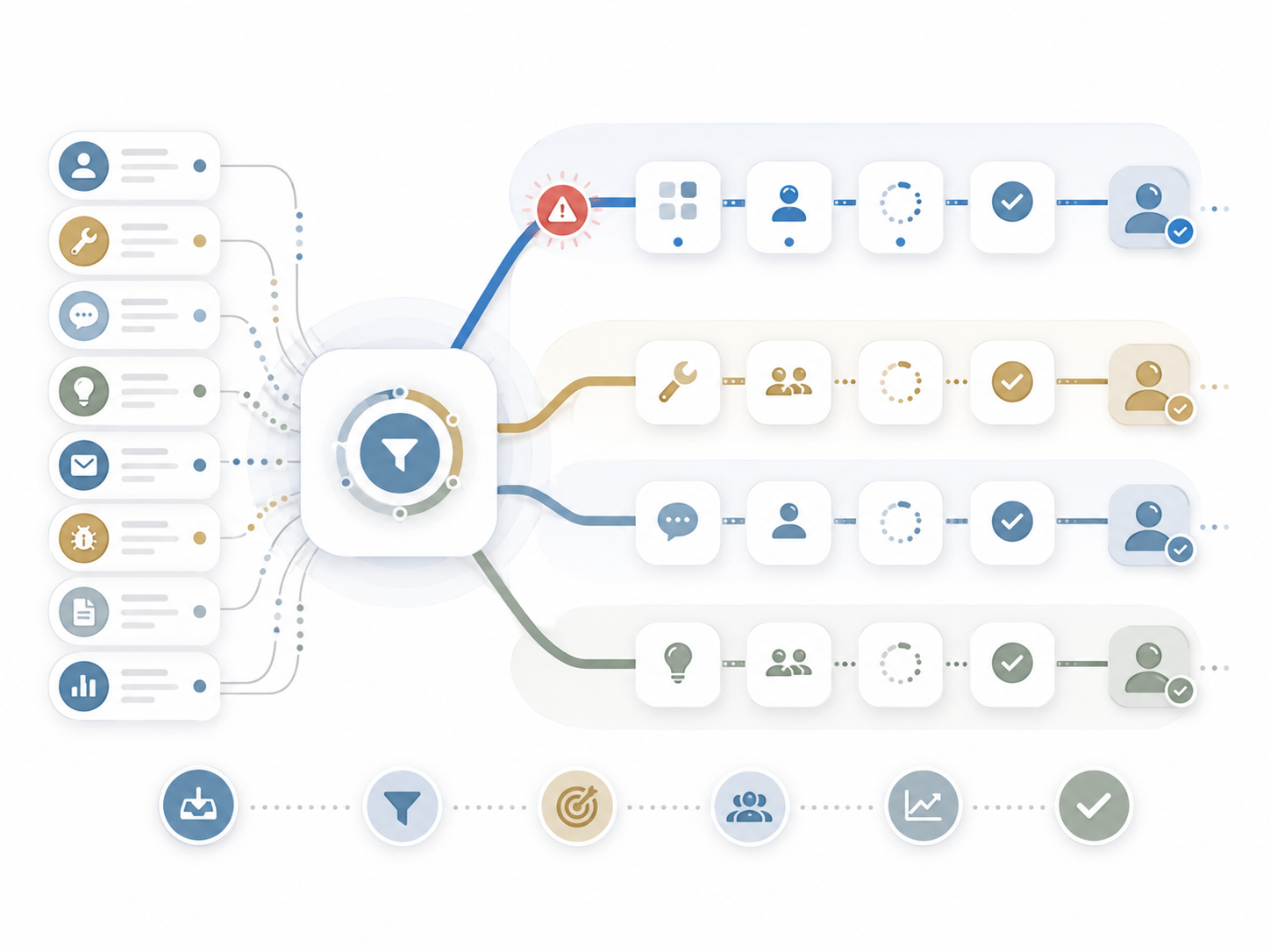
Illustration of tasks and requests being filtered into separate workflow paths for alerts, maintenance, support, and ideas, each moving through assignment, review, approval, and completion steps.

Full context in every incident

Account, billing, workflow, and prior-incident history surface inside the record. The team restoring service starts with the picture they need instead of hunting across screens. Affected customer, account, location, service, meter, bill, payment, user, workflow, screenshots, and supporting documentation arrive together. The AI Assistant summarizes the history, interprets related data, and recommends investigation steps. Triage that used to take an hour of context-gathering now starts with the context already gathered.
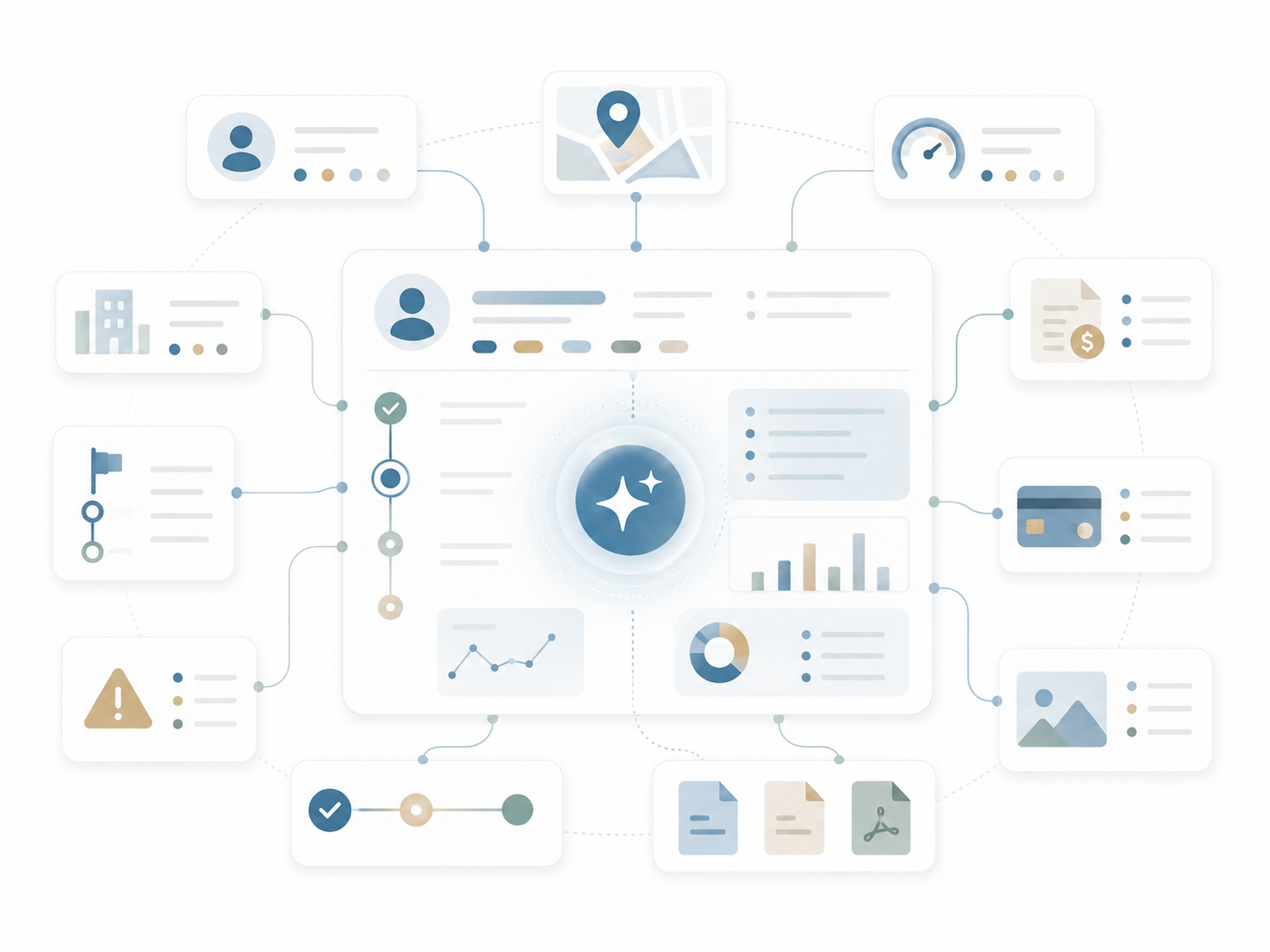
Illustration of a central AI-assisted dashboard connecting customer, location, billing, payment, alert, document, and analytics data into one organized workflow.

Recurring issues become insights

Patterns across incidents surface automatically. The underlying problems that cause repeat tickets get exposed so teams fix root causes instead of working the same issue repeatedly. Recurring categories, common workflows, and frequent customer segments emerge from the data. Leaders use the trends to reduce repeat issues, improve training, refine workflows, enhance knowledge articles, and strengthen the overall service model. Continuous improvement becomes a built-in discipline instead of a quarterly meeting.
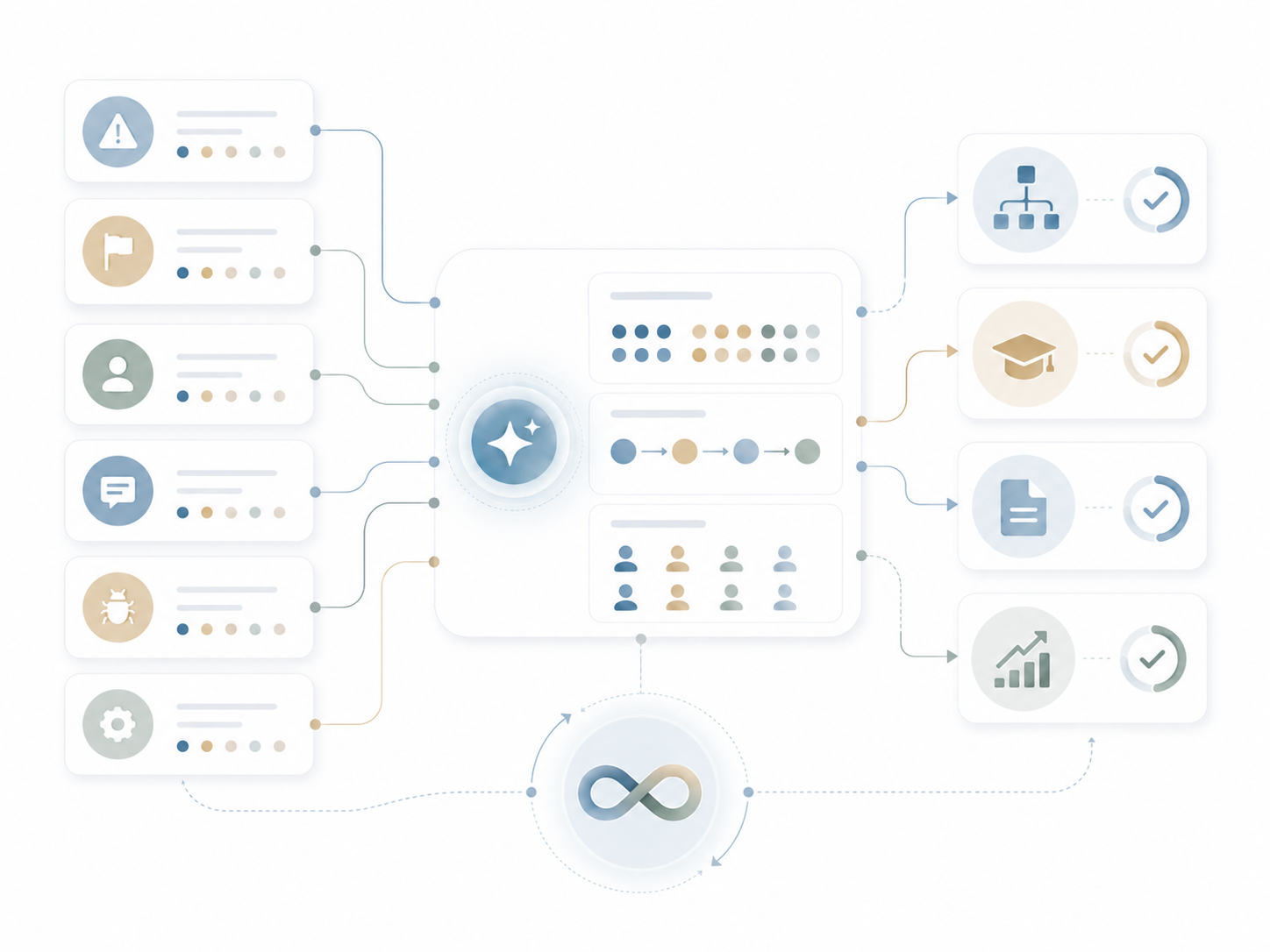
Illustration of multiple operational inputs flowing into an AI-assisted system that organizes tasks, users, and data into approved workflows, training, documents, and performance insights.

How Is It Different?

Classify. Route. Reveal.

Why MultiBilling Incident Management Stands Apart

Conventional platforms log issues as undifferentiated tickets. The intake form captures a short description, the system assigns a queue, and the team works it in arrival order. Critical issues compete for attention with minor ones. Recurring problems remain invisible because nobody categorizes them consistently enough to count. MultiBilling rebuilds Incident Management as an ITIL-aligned lifecycle that classifies severity, routes by responsibility, and turns recurring tickets into pattern insights. Before, every issue looked the same in the queue. After, the lifecycle and the data surface what matters and where the underlying work needs to happen.

What Changes for Your Team?

Restore. Monitor. Reclaim.

Customer service restores service faster because the context arrives with the incident. Operations sees the patterns instead of repeating the work. Managers monitor incident aging, response time, resolution time, backlog, reassignment patterns, and recurring categories without compiling reports. High-impact incidents escalate automatically. Resolution history preserves the audit trail for compliance and continuous improvement. Across customer service and operations, the time lost to context-gathering, repeat tickets, and reactive firefighting drops sharply, and staff reclaim more than half of the customer service and operations team’s monthly labor for higher-value work.

How Does It Turn Into Action?

Connect. Escalate. Improve.

Incident Management connects to CIS for customer and account context, to billing for transaction history, to service requests for related work, to reporting for service-level visibility, and to the AI Assistant for guided investigation. Event-based monitoring triggers notifications when incidents remain unresolved, breach response windows, or relate to recurring patterns. Escalation rules respond to business impact. Knowledge content and procedures surface inside the workflow. Resolution data feeds continuous improvement loops. The result is incident management as a connected, observable, AI-ready discipline.

What MultiBilling Incident Management Delivers

A structured incident lifecycle that classifies, routes, resolves, and improves with every ticket.

Structured Lifecycle and Routing

Every issue follows a clear path from intake through closure, with severity and ownership defined up front.

  • ITIL-aligned best practices: Capture, categorize, prioritize, assign, track, resolve, and close incidents through a structured lifecycle.
  • Clear separation between incidents, service requests, and feedback: Problems, planned work, and product feedback each follow the right workflow.
  • Priority and severity management: Incidents prioritize by business impact, urgency, affected customers, financial exposure, operational risk, regulatory concern, or service disruption.

Integrated Context and Guided Investigation

Every incident carries the surrounding context. Triage starts with the picture already assembled, and the AI Assistant helps guide investigation.

  • Structured incident intake: Critical details capture up front, including customer, account, location, service, meter, bill, payment, workflow, screenshots, and documentation.
  • Integrated customer, location, and account context: Connection to the CIS surfaces related customers, locations, meters, assets, billing history, payments, and prior incidents.
  • AI-enabled incident guidance: The AI Assistant summarizes incident history, suggests investigation steps, explains workflow context, and recommends next-best actions.

Service-Level Visibility and Continuous Improvement

The incident data becomes a source of operational intelligence. Patterns surface, escalations work automatically, and the audit trail supports compliance.

  • Service level visibility: Managers monitor incident aging, response time, resolution time, backlog, and recurring categories.
  • Escalation and major incident awareness: High-impact incidents identify and escalate based on defined rules.
  • Closed-loop continuous improvement: Incident trends feed workflow refinement, training updates, knowledge enhancements, and product improvements.

[Customer quote placeholder. 2 to 3 sentences from a billing director or operations leader at a municipal utility, MSO, or property management company. Focus on time saved per cycle or exception backlog reduction.]

review-future

Dr. Alice Bennett

AI Expert, MIT
Case Study

[Customer Name]

[X%]

[Outcome metric: reduction in billing exception backlog, hours reclaimed per month, days saved per cycle]

Ready to See MultiBilling in Action?

Send us a sample of the incidents your team handled last month, and we will show you the same volume inside MultiBilling. You will see the routing, the context, and the pattern analysis on real data. The day your team stops reworking the same ticket is the day the labor reclaim starts.

Schedule a demo to explore the platform in detail and see how MultiBilling fits your operations and take the next step toward implementation and purchase.

Futuristic Screenshot of MultiBilling (1)
