


[Customer quote placeholder. 2 to 3 sentences from a billing director or operations leader at a municipal utility, MSO, or property management company. Focus on time saved per cycle or exception backlog reduction.]

Many platforms treat mobile as a stripped-down view of the desktop. MultiBilling rebuilds the operating interface as one responsive experience that reshapes every screen for the device in use, preserves workflow context across desktop, tablet, and mobile, and follows users wherever work happens. Field staff act in the moment without the lost minutes of going back to the office. Managers approve from a phone between meetings. Executives review dashboards from any device. Field operations teams reclaim more than half of their monthly labor for higher-value work.
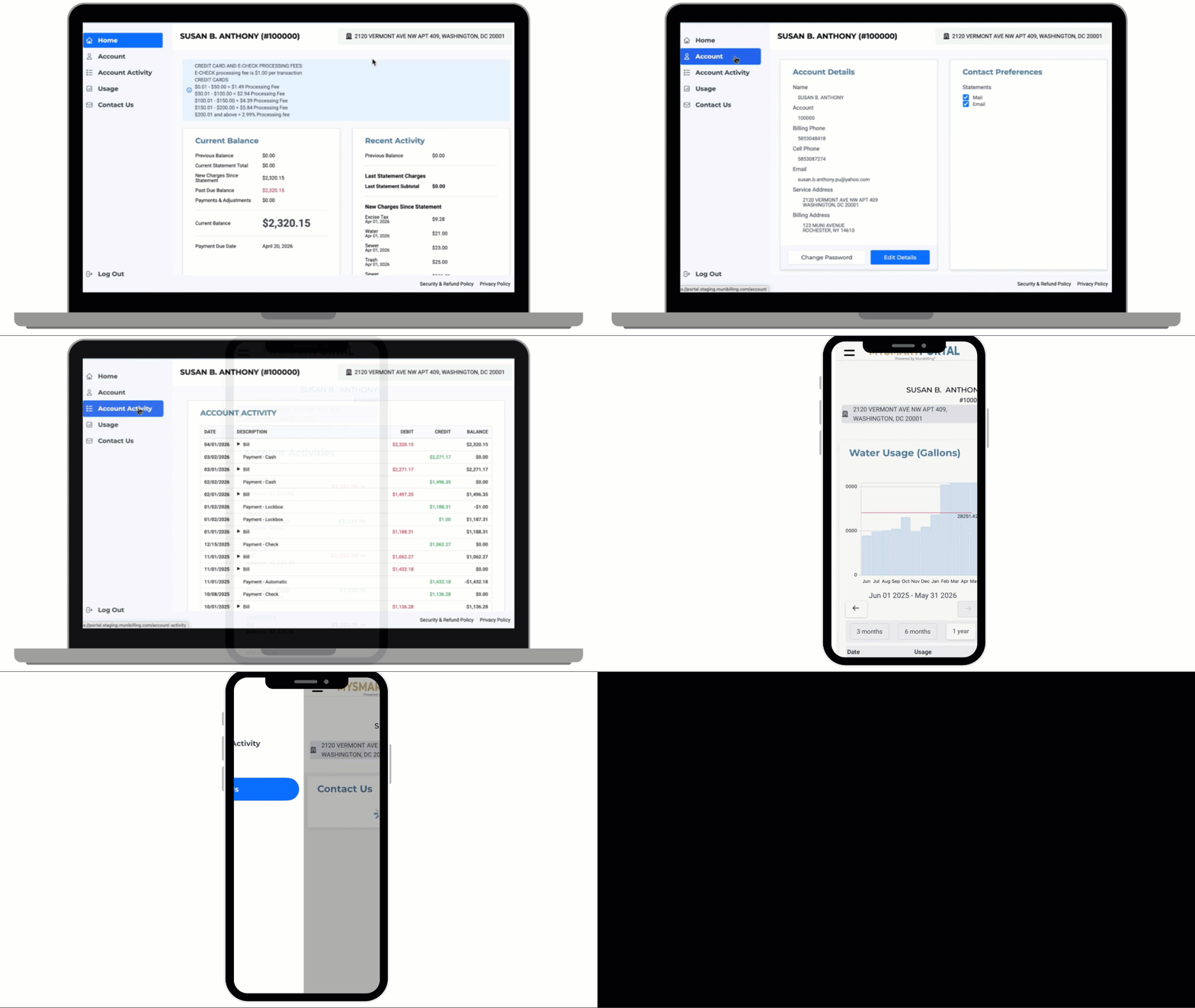
The interface reshapes every screen for desktop, tablet, or phone without stripping away functionality. Users get the complete platform whether they are at a workstation or in a meter pit. Layouts adjust to optimize readability, field placement, buttons, tables, and workflow steps for the device. The compromise between mobile convenience and desktop capability disappears. A field manager approving a service order on a phone has the same context as a billing specialist on a workstation.
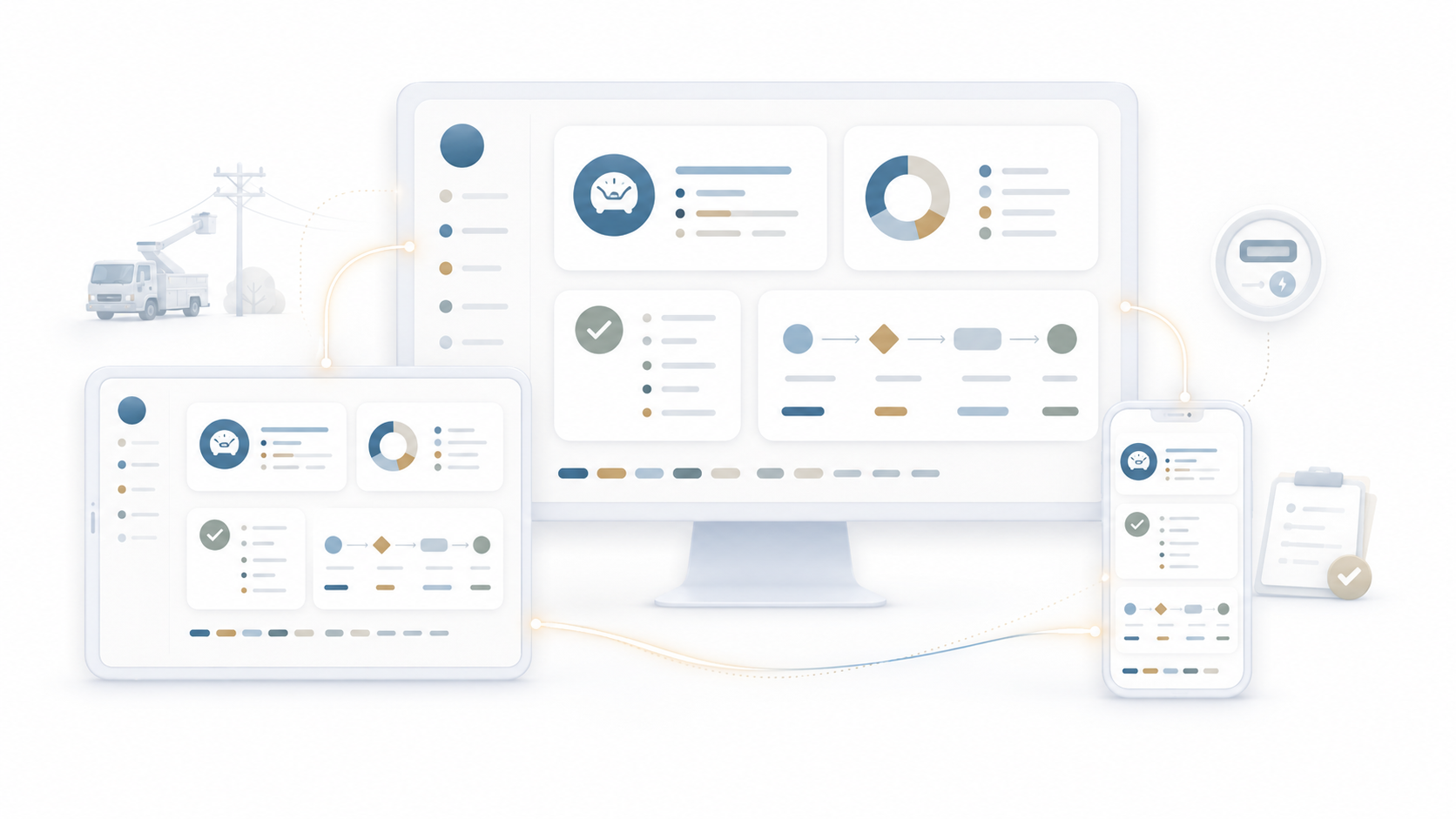
Records, dashboards, and operational status travel across devices. A user reviewing an exception at their desk in the morning, switching to a tablet in a meeting, and finishing on a phone at lunch lands in the same place each time. The lost-place problem that breaks up a workday across devices is engineered out. Workflow state persists, so the moment of resuming work picks up where it stopped.
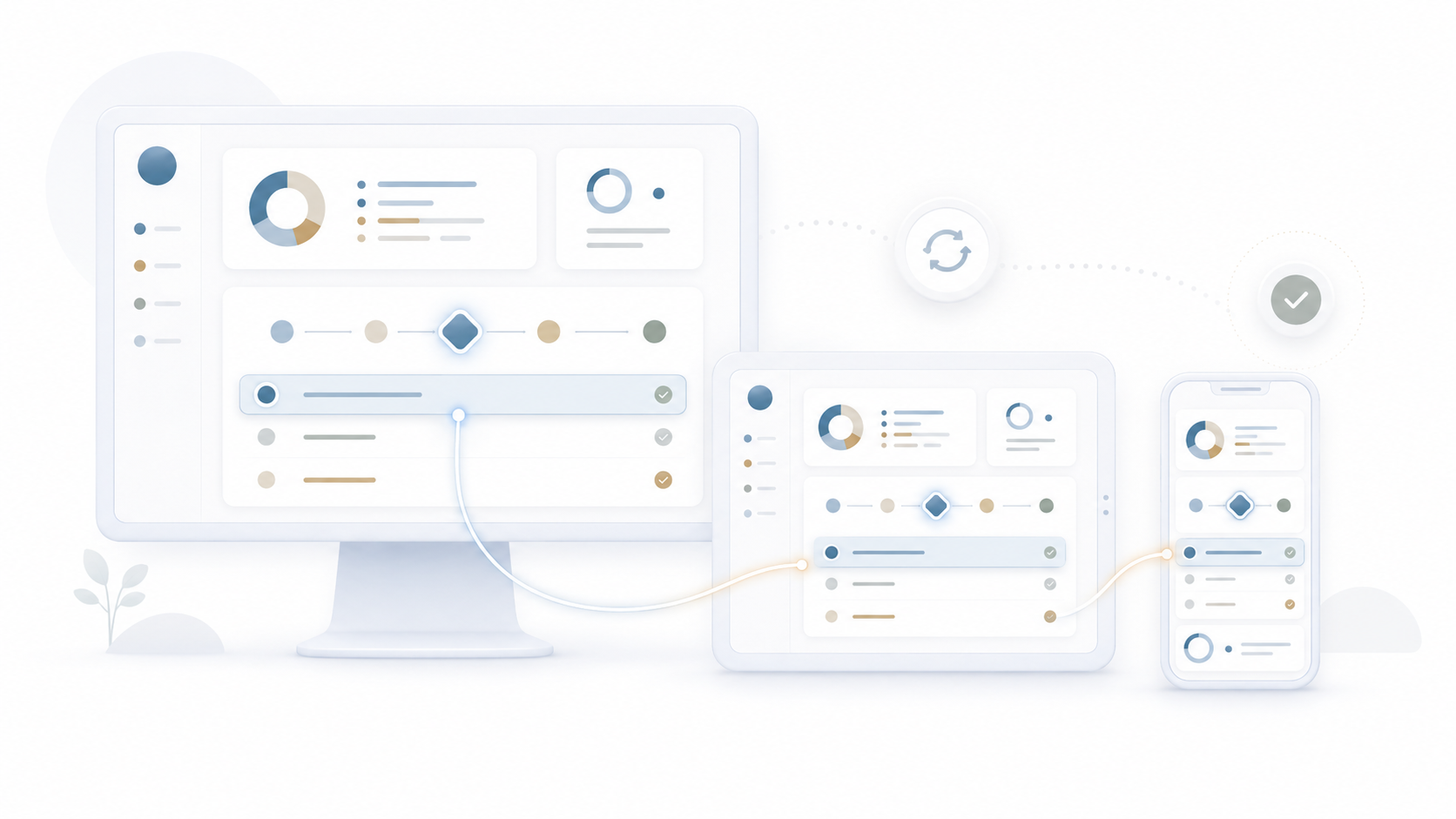
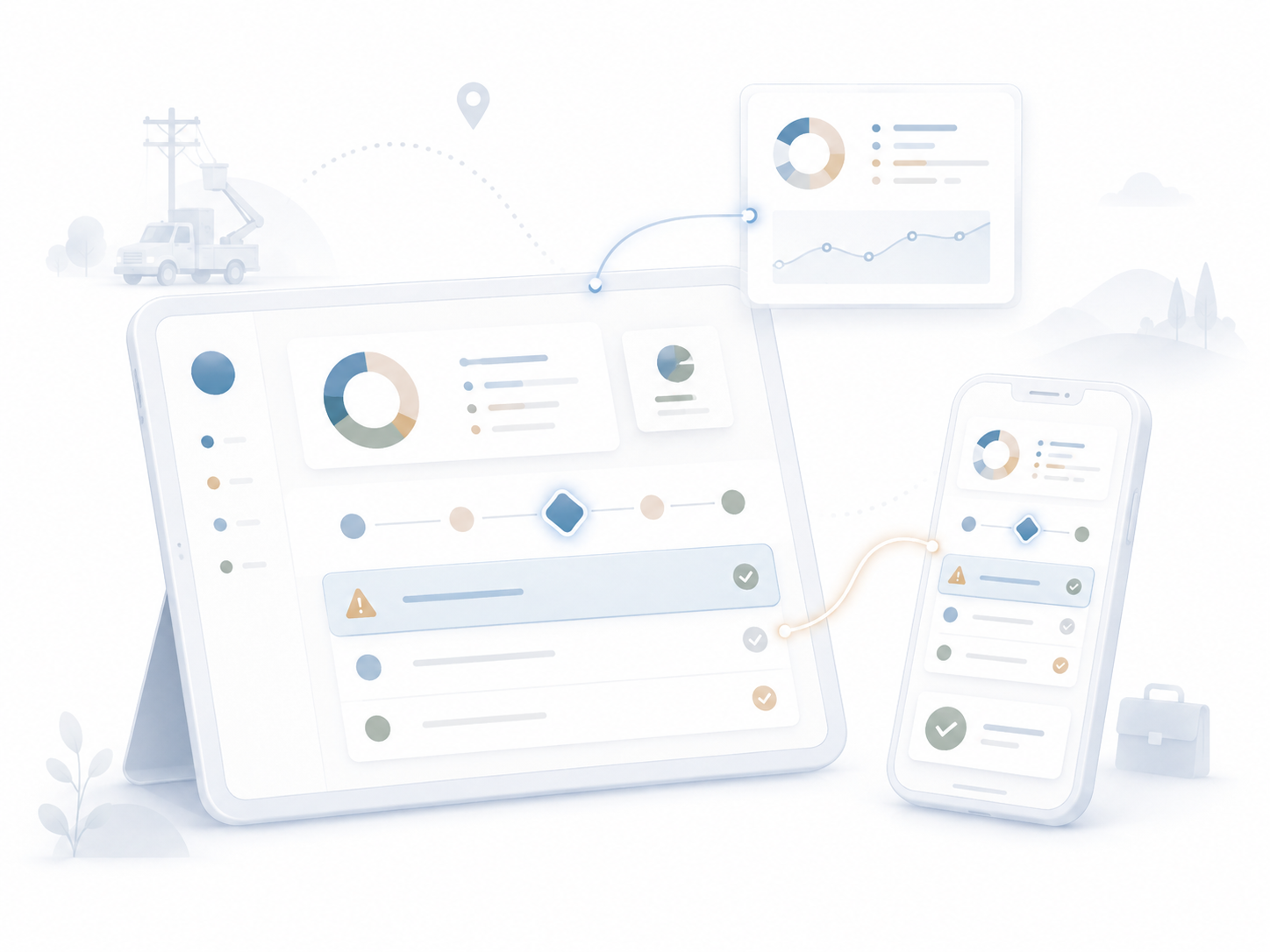
Field staff, managers, and executives review dashboards, approve actions, and respond to exceptions from any device. Operations keep moving even when nobody is at a desk. A meter manager scanning the cycle while waiting for a meeting can approve a re-read list from the phone. An executive between flights can review the portfolio dashboard from a tablet. Distributed operations stay connected because the platform follows users instead of forcing them back to a workstation.
[Customer quote placeholder. 2 to 3 sentences from a billing director or operations leader at a municipal utility, MSO, or property management company. Focus on time saved per cycle or exception backlog reduction.]
Trusted by Utility & Property Operations Teams


Pick up your phone and we will walk you through MultiBilling on the device you actually carry. You will see the dashboards, the approvals, and the exception workflows on your screen, not a sales engineer’s. Twenty minutes is enough to understand what work-anywhere productivity looks like for your team.
Schedule a demo to explore the platform in detail and see how MultiBilling fits your operations and take the next step toward implementation and purchase.
.png?width=1448&height=1086&name=Futuristic%20Screenshot%20of%20MultiBilling%20(1).png)