Full Power on Any Device. Workflow Context Travels with You.

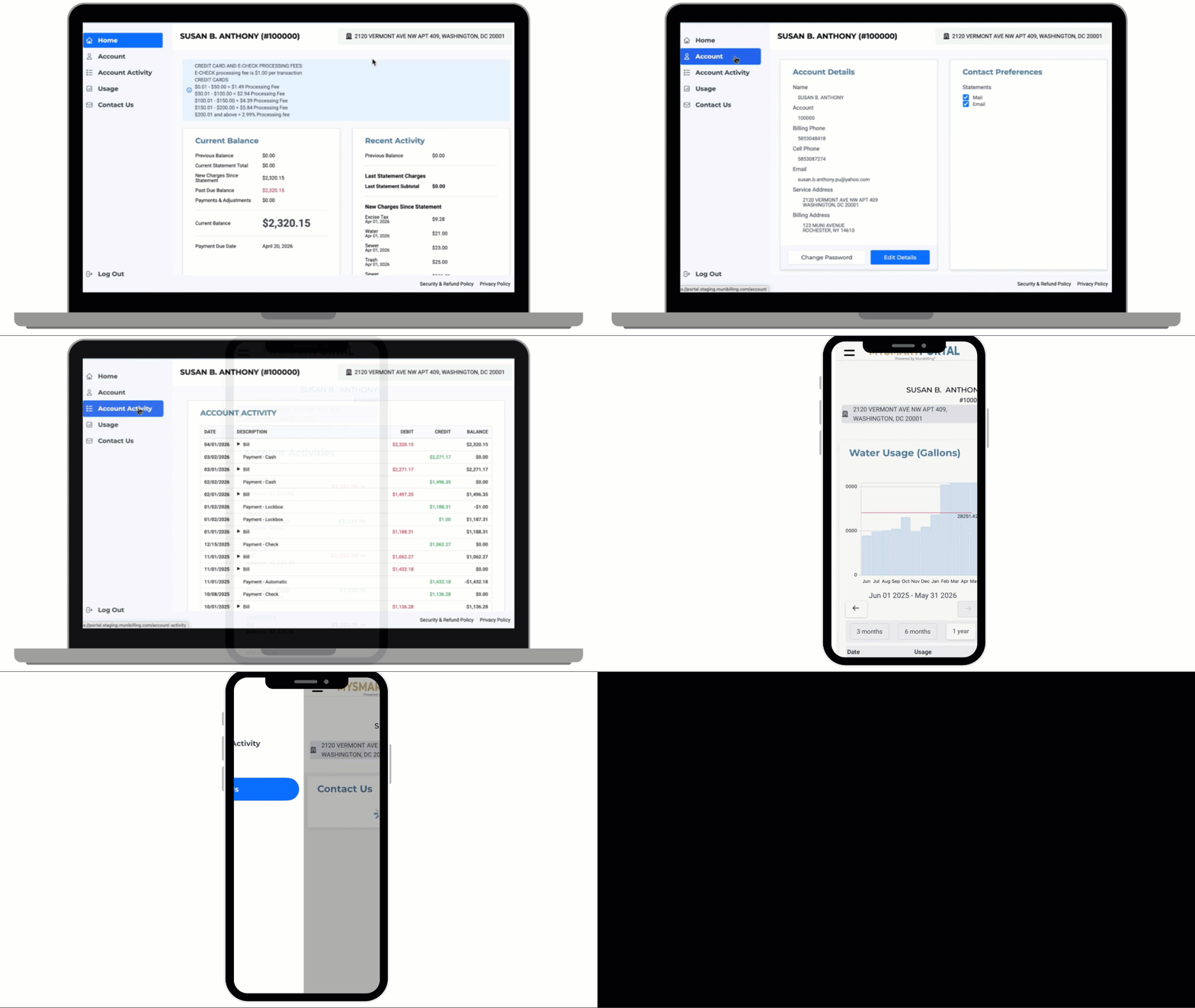
Many platforms treat mobile as a stripped-down view of the desktop. MultiBilling rebuilds the operating interface as one responsive experience that reshapes every screen for the device in use, preserves workflow context across desktop, tablet, and mobile, and follows users wherever work happens. Field staff act in the moment without the lost minutes of going back to the office. Managers approve from a phone between meetings. Executives review dashboards from any device. Field operations teams reclaim more than half of their monthly labor for higher-value work.

Search Bar

Three Ways MultiBilling Responsive UI Changes Daily Work

Choose Here
  • Full power on any device
  • Workflow context follows the user
  • Work from anywhere, lose nothing

Full power on any device

The interface reshapes every screen for desktop, tablet, or phone without stripping away functionality. Users get the complete platform whether they are at a workstation or in a meter pit. Layouts adjust to optimize readability, field placement, buttons, tables, and workflow steps for the device. The compromise between mobile convenience and desktop capability disappears. A field manager approving a service order on a phone has the same context as a billing specialist on a workstation.

Workflow context follows the user

Records, dashboards, and operational status travel across devices. A user reviewing an exception at their desk in the morning, switching to a tablet in a meeting, and finishing on a phone at lunch lands in the same place each time. The lost-place problem that breaks up a workday across devices is engineered out. Workflow state persists, so the moment of resuming work picks up where it stopped.

Home Dashboard-1

Work from anywhere, lose nothing

Field staff, managers, and executives review dashboards, approve actions, and respond to exceptions from any device. Operations keep moving even when nobody is at a desk. A meter manager scanning the cycle while waiting for a meeting can approve a re-read list from the phone. An executive between flights can review the portfolio dashboard from a tablet. Distributed operations stay connected because the platform follows users instead of forcing them back to a workstation.

AI Help

How It's Different

Step 01

Why MultiBilling Responsive UI Stands Apart

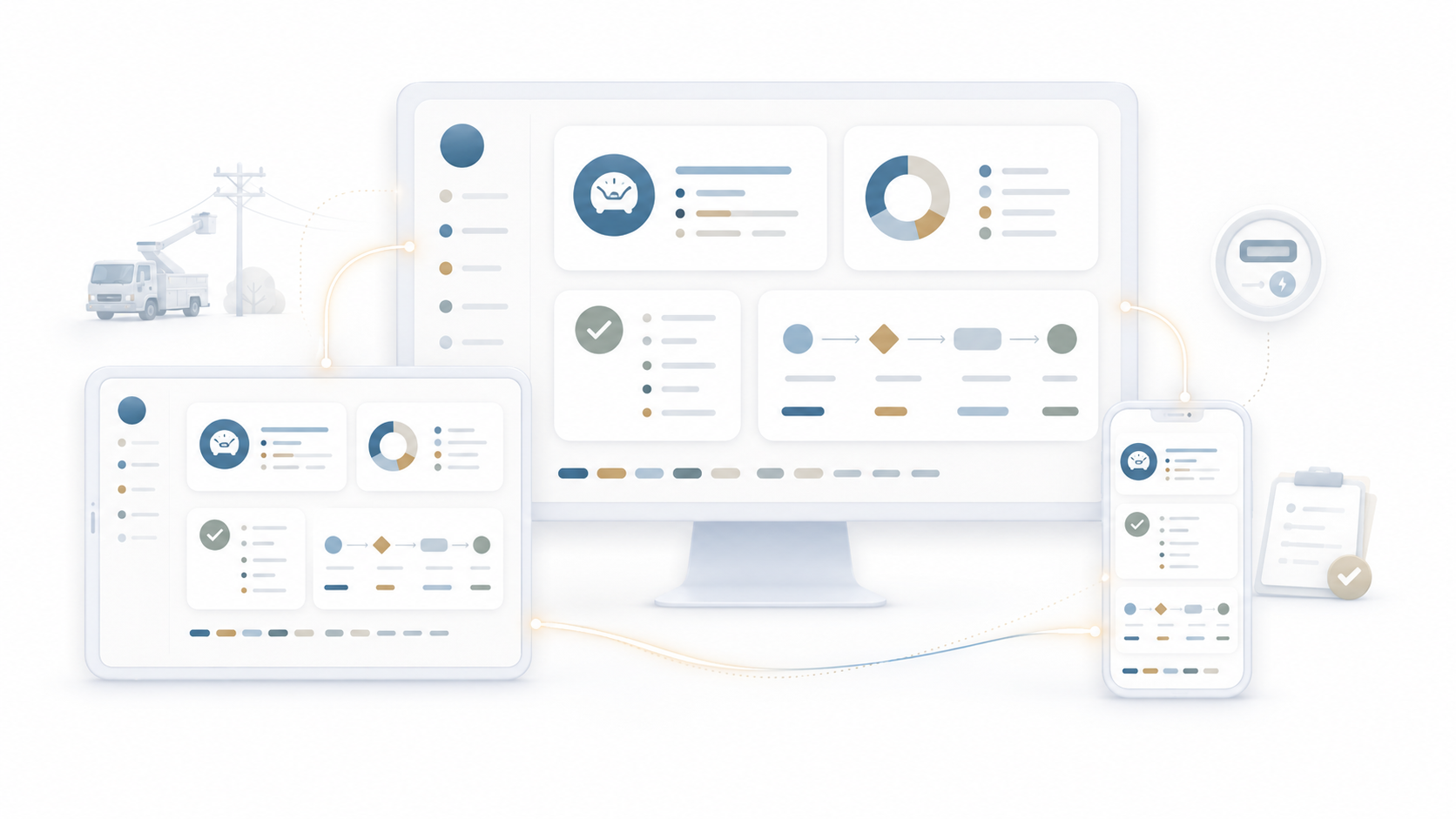
Conventional platforms treat mobile as a strip-down. Some screens render, some do not. Tables overflow, buttons crowd, and the user retreats to a desktop to actually do the work. MultiBilling rebuilds the operating interface as a single responsive design system. Every screen adapts intelligently to the device, preserving full functionality and full context across desktop, tablet, and mobile. Before, mobile was a constrained view that pushed users back to the office. After, mobile is the same platform, reshaped for where the user happens to be.

ChatGPT Image May 20, 2026, 01_12_24 PM-1

What Changes for Your Team

Step 02

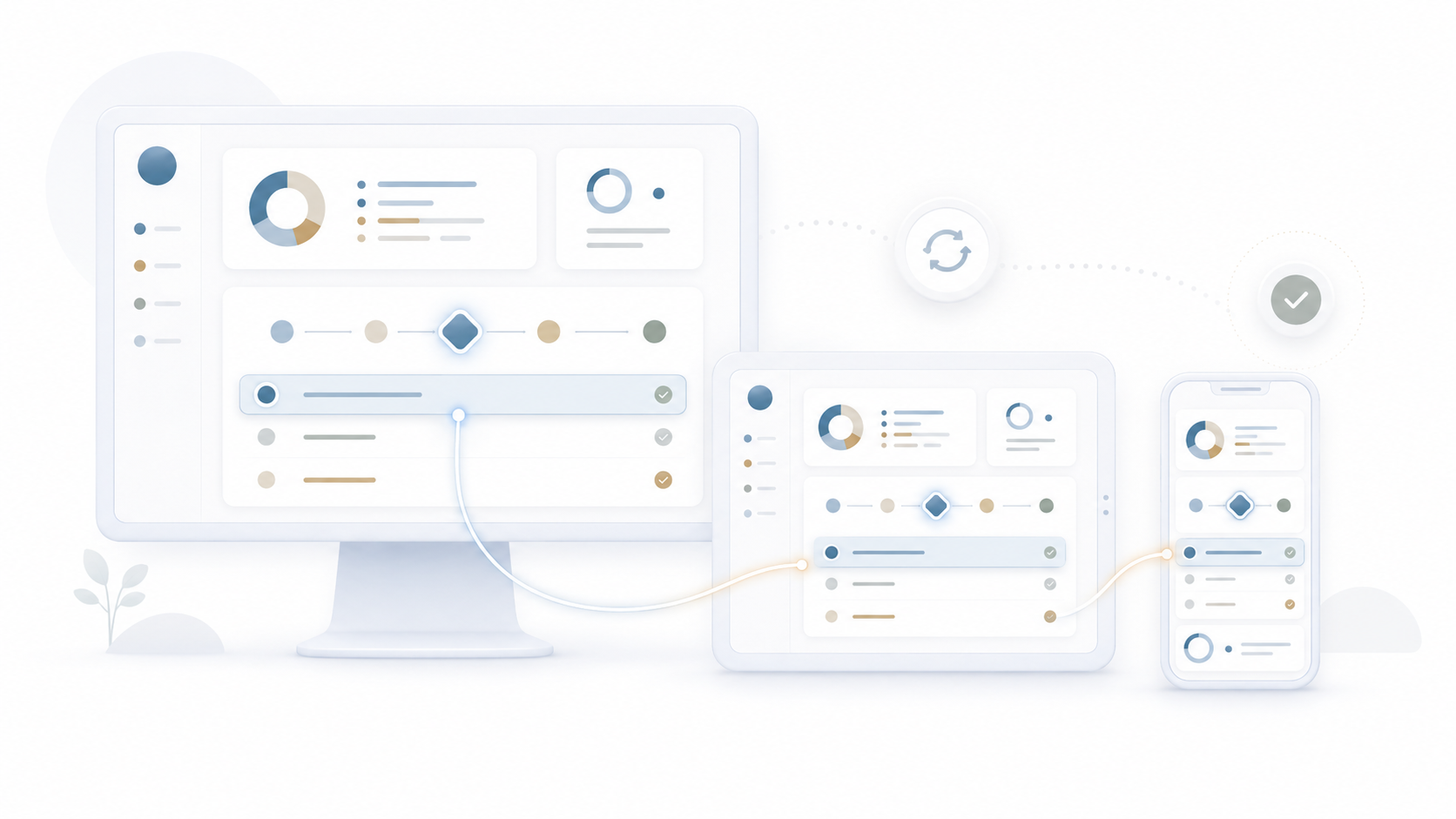
Field staff complete service requests, capture readings, and document evidence without returning to a desktop to finish paperwork. Managers approve adjustments, escalations, and rate changes between meetings instead of stacking them for the next morning. Customer service reps responding from off-site keep the same depth of context they would have at their workstation. Executives review portfolio dashboards while traveling. Distributed and hybrid teams stay productive without the location penalty. Across field operations, the daily friction of being device-bound or office-bound disappears, and staff reclaim more than half of the field operations team’s monthly labor for higher-value work.

ChatGPT Image May 22, 2026, 03_45_39 PM

Built for Work-Anywhere Productivity

Step 03

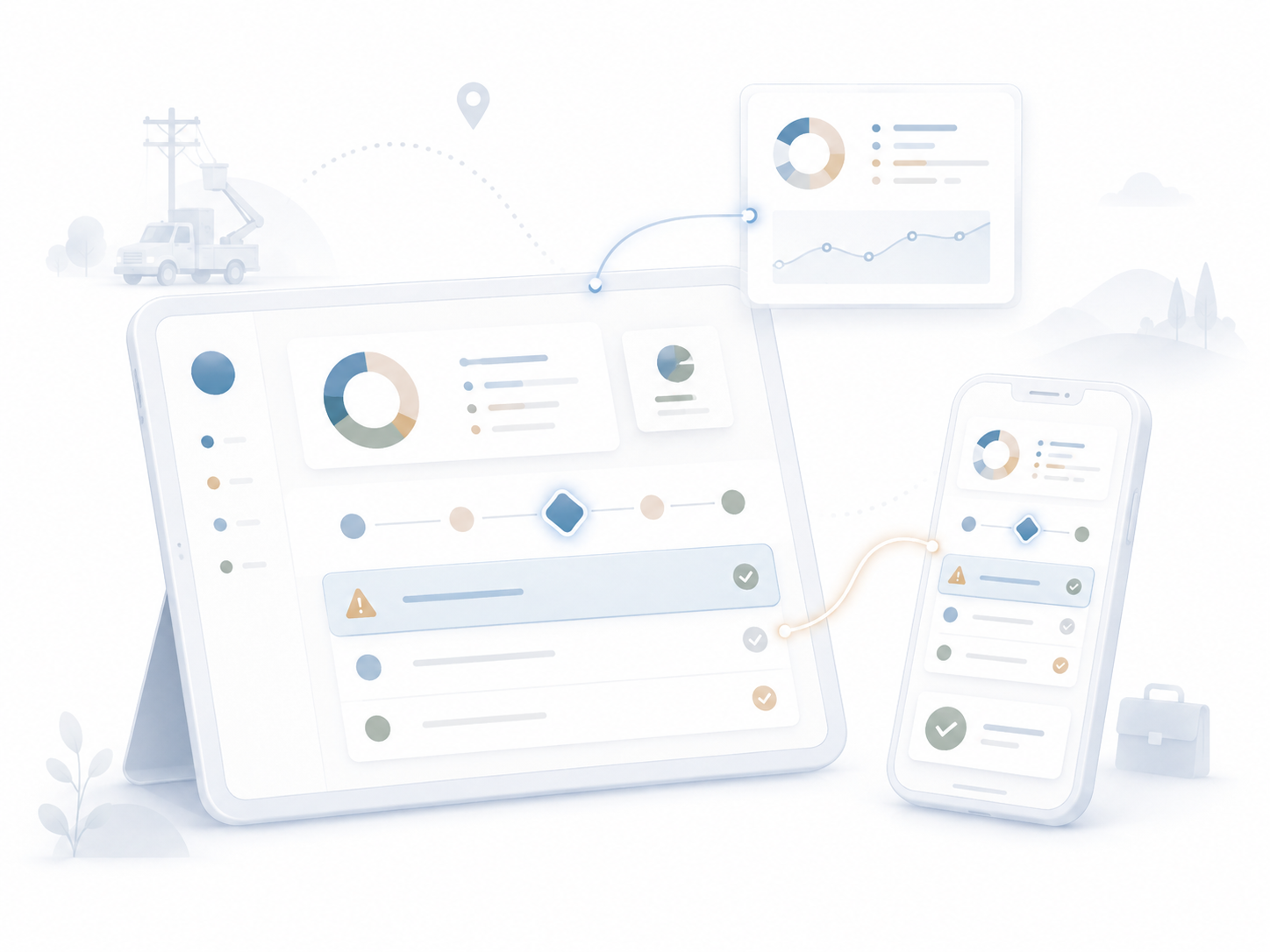
Responsive design runs through every other MultiBilling function. CIS, billing, payments, collections, service requests, reports, and the AI Assistant all reshape for the device while preserving context. Field service mobile workflows work alongside desktop dispatch views. Manager approvals work from phone, tablet, or desktop. Executive dashboards work on any screen. The platform becomes a connected work-anywhere operating environment where the device chosen does not dictate what the user can do.

ChatGPT Image May 22, 2026, 03_49_03 PM

What MultiBilling Responsive UI Delivers

A single responsive interface that delivers the full platform across desktop, tablet, and mobile while preserving workflow context.

Device Adaptation and Continuity

The interface adapts to the device in use without sacrificing functionality, and workflow context persists as users move between devices.

  • Work anywhere, any device: The platform adapts to desktop, tablet, and phone with consistent functionality and workflow logic.
  • Consistent experience across form factors: Navigation patterns, workflow logic, and operational context preserve across all three devices.
  • Intelligent screen adaptation: Layouts adjust to optimize readability, spacing, field placement, buttons, tables, and workflow steps for each screen size.

Field, Manager, and Executive Productivity

Different roles benefit from different device contexts, and the platform supports each without compromise.

  • Improved field and mobile productivity: Field staff, managers, customer service, billing specialists, and executives access the information they need without being tied to a workstation.
  • Faster decision-making between meetings: Users review dashboards, approve actions, check account status, monitor exceptions, and respond to service activity from anywhere.
  • Role-based flexibility: Billing teams at workstations, field teams on tablets, managers on laptops, and executives on mobile devices all get the experience that fits their work.

Modern Experience and AI-Ready Mobility

The responsive design is the foundation for AI-assisted operations everywhere users work, not only at a desk.

  • Better usability without compromising functionality: The full platform stays available even on smaller screens.
  • Improved operational continuity: Teams keep work moving when they are away from the office, in the field, or supporting distributed operations.
  • Foundation for AI-assisted mobility: The MultiBilling AI Assistant brings contextual guidance, workflow support, and operational insight to users on any device.

Check out the screen yourself!

You can interact with the dots below to learn more about the screen.

2026-05-21_14-23-29

Unfied Search and Discovery

Universal search reaches across every operational record, returning context that matters for resolution.

Customizable Dashboards

Pin the KPIs, alerts, reports, and workflow shortcuts most relevant to each role.

AI-Assisted Investigation

The AI Assistant lives on the Home Page as a navigation partner.


Built with billing operators, validated in production.

[Customer quote placeholder. 2 to 3 sentences from a billing director or operations leader at a municipal utility, MSO, or property management company. Focus on time saved per cycle or exception backlog reduction.]

review-future

Dr. Alice Bennett

AI Expert, MIT
Case Study

[Customer Name]

[X%]

[Outcome metric: reduction in billing exception backlog, hours reclaimed per month, days saved per cycle]

Ready to See MultiBilling in Action?

Pick up your phone and we will walk you through MultiBilling on the device you actually carry. You will see the dashboards, the approvals, and the exception workflows on your screen, not a sales engineer’s. Twenty minutes is enough to understand what work-anywhere productivity looks like for your team.

Schedule a demo to explore the platform in detail and see how MultiBilling fits your operations and take the next step toward implementation and purchase.

Futuristic Screenshot of MultiBilling (1)