
Built Around the Work, Not the Database

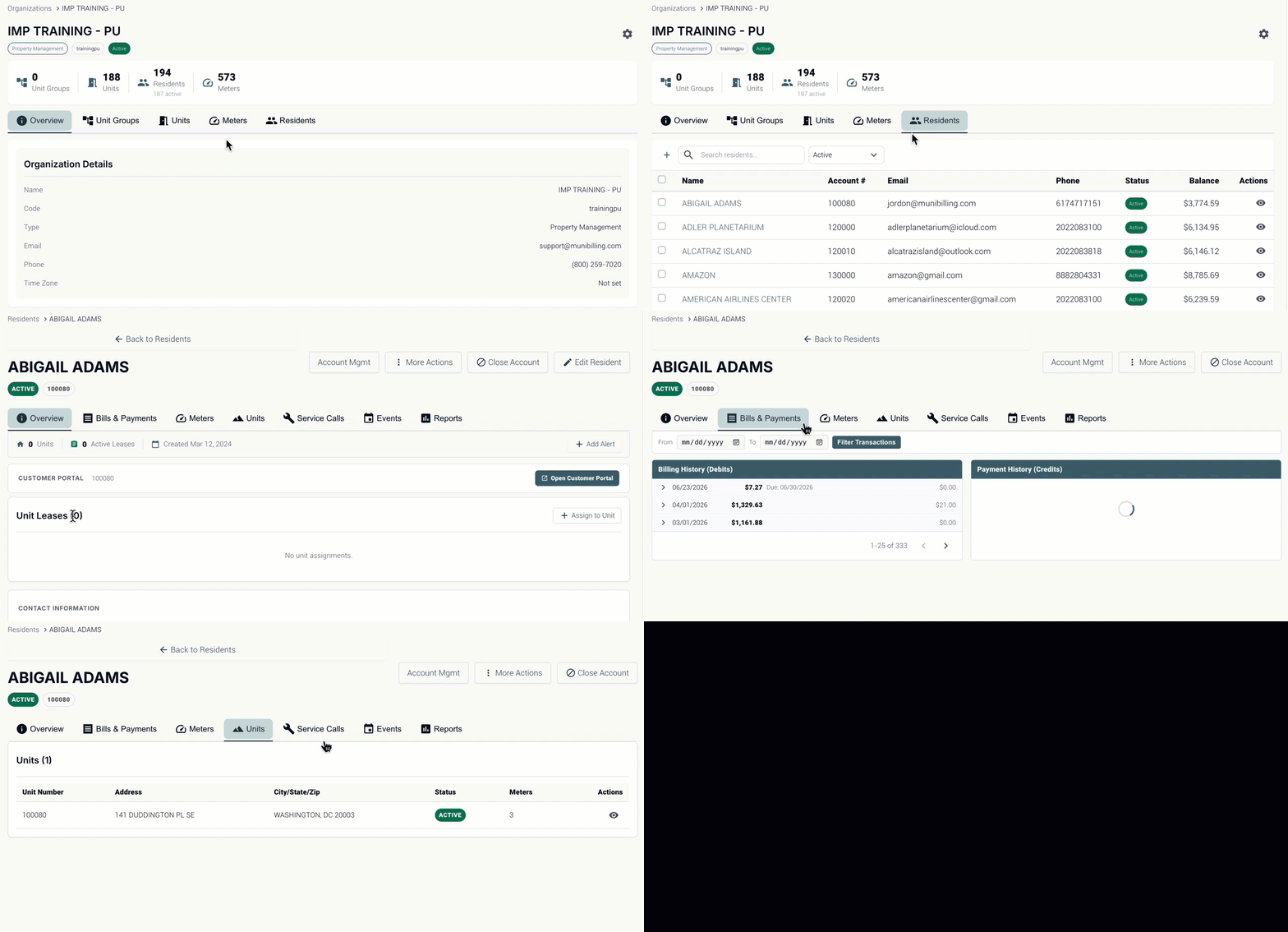
Conventional platforms fragment utility billing into disconnected modules organized around the way the database was designed. Users jump between screens just to complete a single task. MultiBilling designs the experience around the work itself, embedding analytics and business rules inside every workflow and connecting multi-entity context across the platform. Users move from information to action without leaving the workflow. The menu-hunting and context-switching that drain attention disappear. Operations teams reclaim more than half of their monthly labor for higher-value work.
Search Bar

Three Ways MultiBilling Innovative UX Changes Daily Work

Choose Here
  • Built around the work
  • Analytics embedded in every workflow
  • Stop the menu hunting

Built around the work

 Screens and workflows follow how billing actually happens, not how the database was structured. A billing specialist running a cycle stays in one connected workspace where the cycle status, the exception list, the related accounts, the validation checks, and the posting controls all coexist. The disconnected modules that used to force jumping between billing, reports, configuration, and customer service give way to a single operational surface. Users move naturally through billing, customer service, payments, collections, reporting, configuration, and entity management in the same context. 
Analytics embedded in every workflow

Reports, KPIs, and business rules live inside the screens where work happens. Users do not leave the task to understand performance, validate results, or investigate exceptions. KPI tiles, variance checks, exception summaries, and configuration prompts sit next to the operational record being reviewed. Decisions get made with the supporting data already in view. Instead of leaving the workflow to open a reporting tool, users see the indicators where the work lives.
Home Dashboard-1

Stop the menu hunting

 Multi-entity context, related records, and next-step actions travel with the user as they move across screens. The click-trail that wastes attention every operational hour is gone. Open a customer record, and the related location, meter, billing history, open service requests, prior incidents, and recent payments are right there. Cross to a related entity, and the operational context persists. Fewer clicks, less cognitive load, faster decisions in the moment. 
AI Help

How It's Different

Step 01

Why MultiBilling Innovative UX Stands Apart

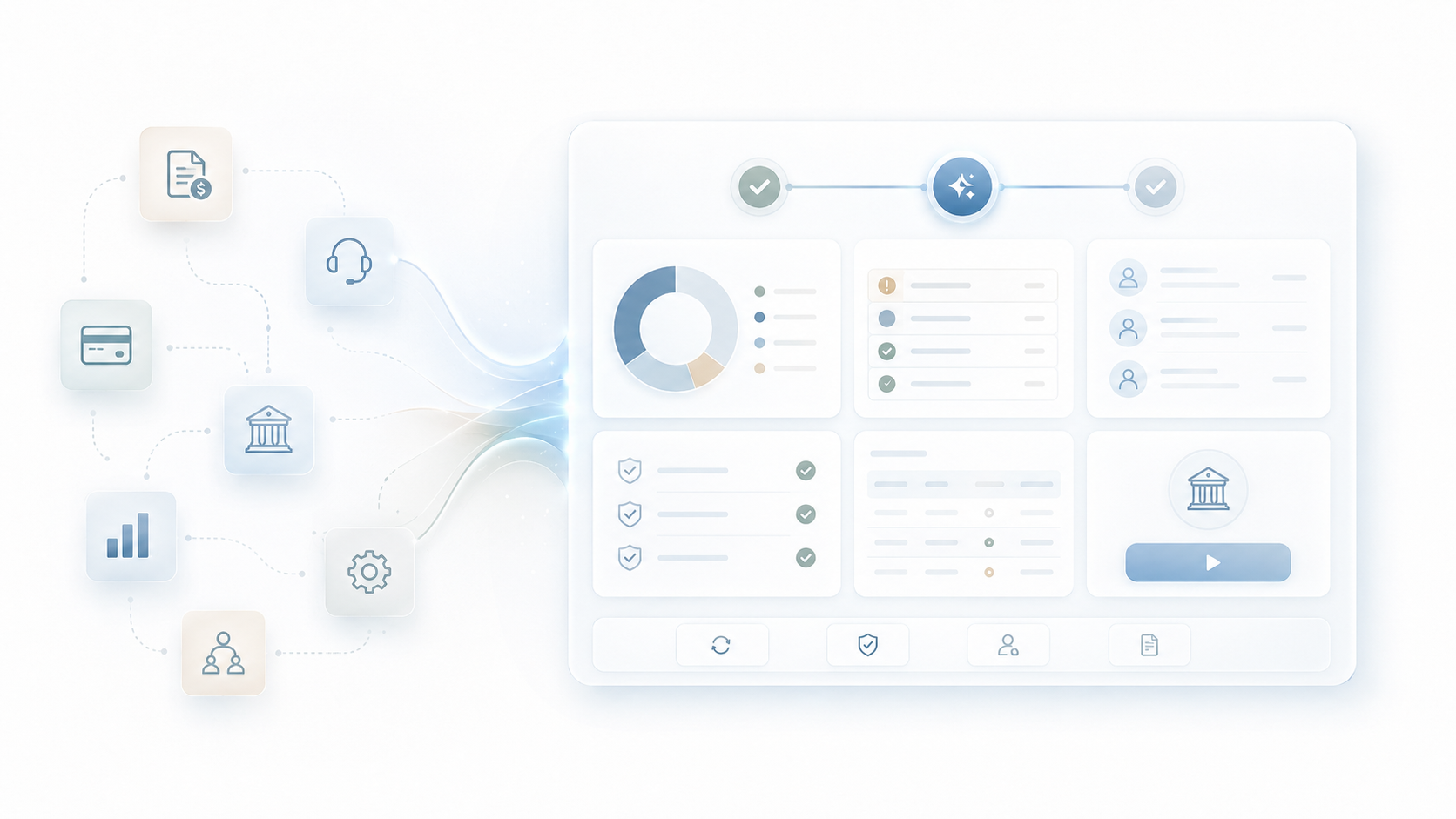
Conventional platforms organize the user interface around how the database was modeled. There is a billing module, a customer module, a payment module, a reporting module, a configuration module. Each lives in its own screen with its own menu. Users complete a single business task by hopping across four or five modules, copying numbers, opening separate reports, and reassembling the context in their heads. MultiBilling rebuilds the experience around the workflow itself. Before, users navigated the data structure. After, the data structure follows the user through the workflow.

ChatGPT Image May 20, 2026, 01_12_24 PM-1

What Changes for Your Team

Step 02

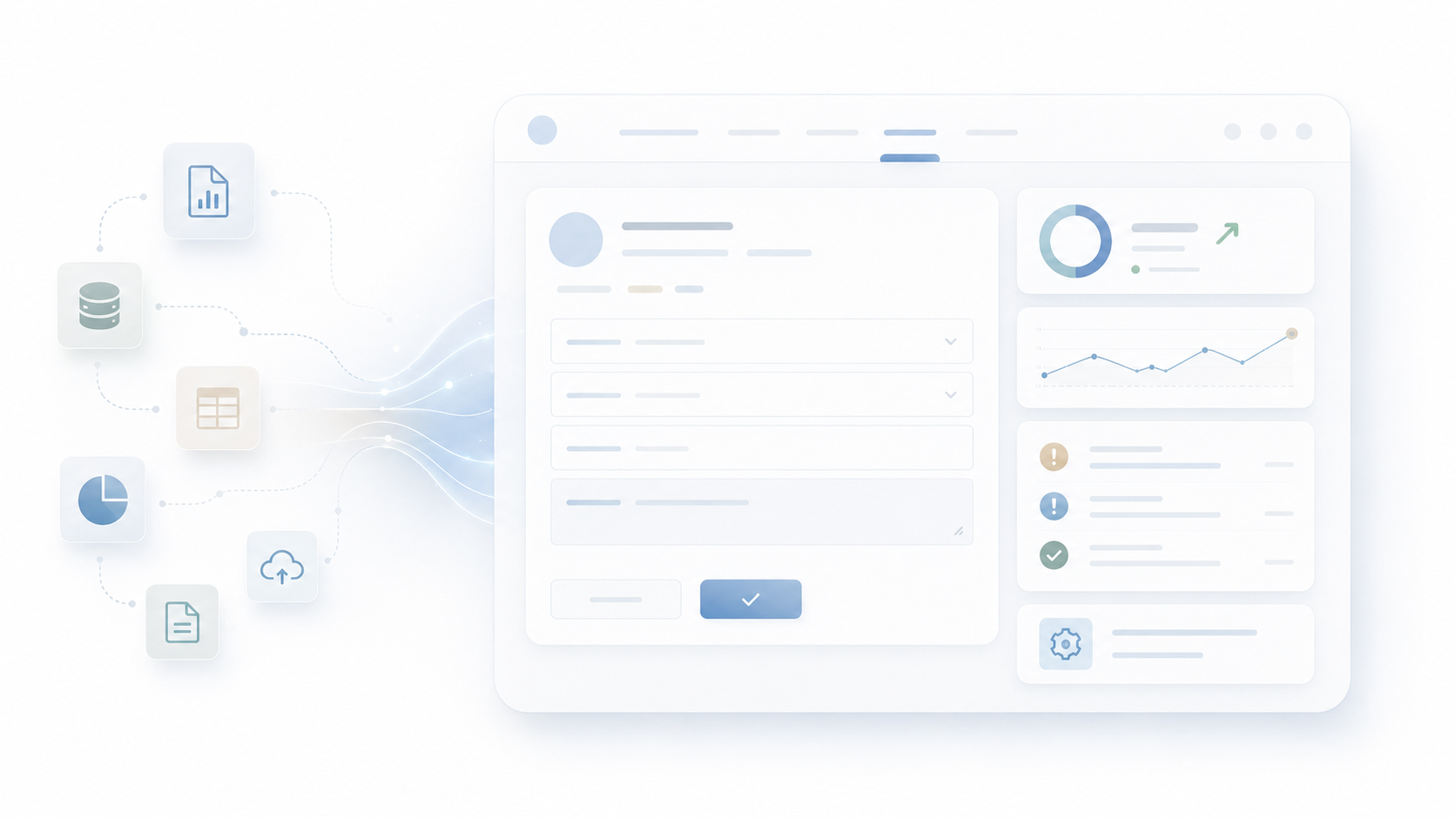
 Billing specialists complete cycles inside one workspace instead of orbiting across modules. Customer service reps answer questions with the account, the bill, the payment, and the prior issue already in view. Managers review performance without leaving the workflows being managed. Implementation teams configure the system in the same context where the configuration applies. New users onboard faster because the platform mirrors how teams actually work. Across operations, the menu-hunting, click-trails, and context-rebuilding that drain hours every day fall sharply, and staff reclaim more than half of the operations team’s monthly labor for higher-value work. 

ChatGPT Image May 22, 2026, 03_45_39 PM

Built for the Operational Workflow

Step 03

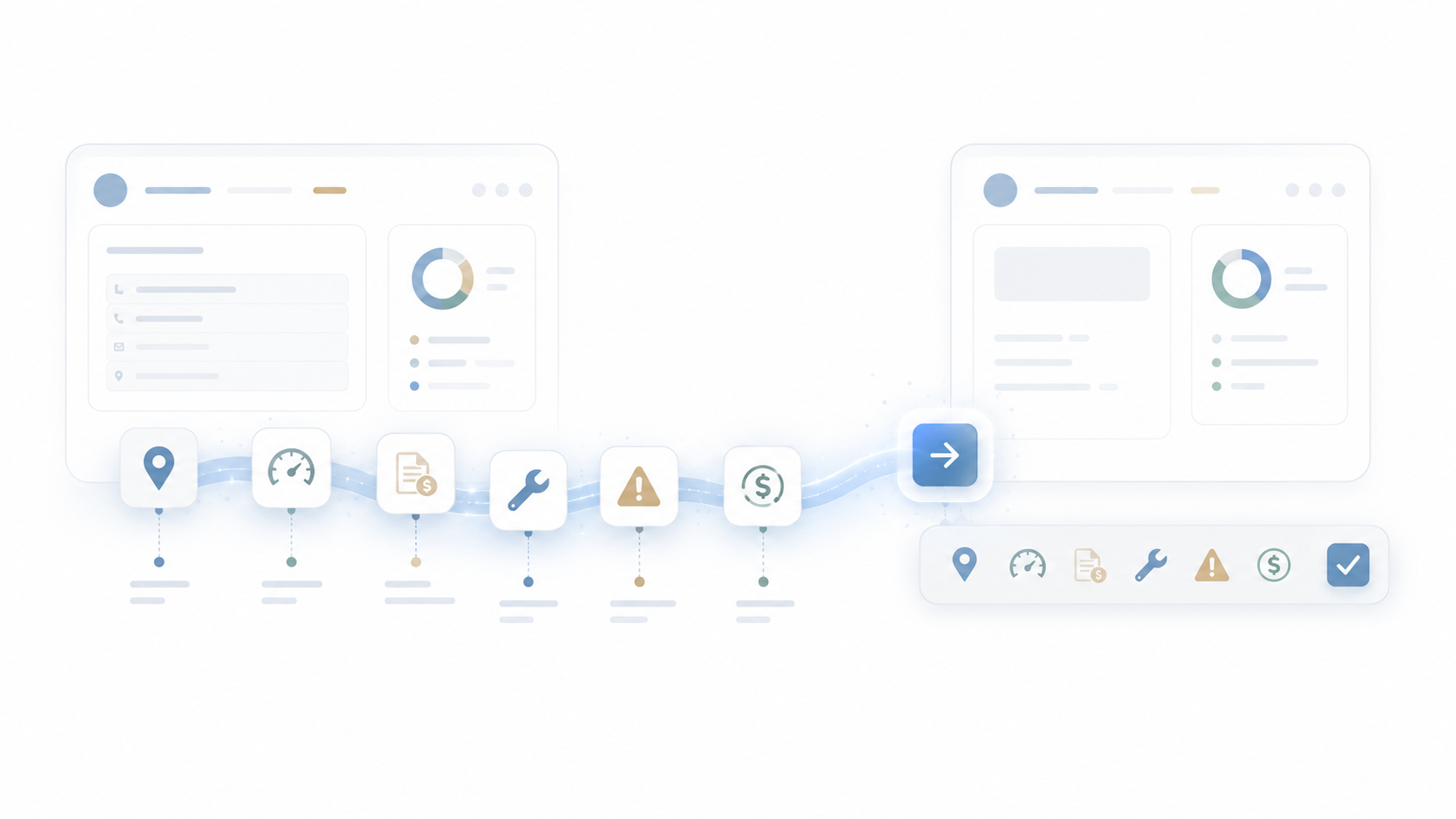
The Innovative UX is the connective tissue across every other MultiBilling function. Universal Insights, the AI Assistant, the Billing Dashboard, CIS, multi-entity management, reporting, and service workflows all share the same workflow-first design. Operational context persists across related activities. Multi-entity context travels with the user. Business rules surface where they apply. The AI Assistant interprets and recommends in context. The result is a platform where complex utility billing operations feel like a connected workflow instead of a series of disconnected modules.

ChatGPT Image May 22, 2026, 03_49_03 PM

What MultiBilling Innovative UX Delivers

A workflow-first experience that connects analytics, business rules, multi-entity context, and AI guidance into one operational surface. 

Workflow-First Design

The interface is organized around the work, not the database. Users move through billing, customer service, payments, collections, and reporting in one operational context.

  • Designed around the way work actually happens: The platform mirrors real utility billing workflows instead of disconnected software modules.
  • One connected workspace: A single environment reduces the need to jump between separate areas for reports, analysis, configuration, or exception review.
  • Operational context that stays with the user: Records, reports, exceptions, analytics, and business rules persist as users move across related activities.

 see only the financial, operational, and portfolio information appropriate for their role.

Embedded Intelligence and Context

Analytics and business rules live inside the workflow. Decisions get made with the data already present, and configuration aligns to the work it controls.

  • Reports and analytics embedded: KPIs, trends, and analytics integrate directly into the operational experience.
  • Business rules accessible in context: Configuration settings, thresholds, and entity-specific requirements appear where they matter.
  • Seamless multi-entity experience: Users move across managed entities without losing operational context.

Productivity and Adoption Acceleration

The platform reduces the cognitive load of daily work, accelerates training, and improves decision quality in the moment.

  • Fewer clicks and less cognitive load: Reduced menu-hunting and screen changes help users complete work with fewer interruptions.
  • Role-based productivity: The experience aligns to each role’s responsibilities and priorities.
  • Faster training and adoption: Workflows mirror how teams already work, reducing the time needed to learn the platform.

Check out the screen yourself!

You can interact with the dots below to learn more about the screen.

2026-05-21_14-23-29

Unfied Search and Discovery

Universal search reaches across every operational record, returning context that matters for resolution.

Customizable Dashboards

Pin the KPIs, alerts, reports, and workflow shortcuts most relevant to each role.

AI-Assisted Investigation

The AI Assistant lives on the Home Page as a navigation partner.


Built with billing operators, validated in production.

[Customer quote placeholder. 2 to 3 sentences from a billing director or operations leader at a municipal utility, MSO, or property management company. Focus on time saved per cycle or exception backlog reduction.]

review-future

Dr. Alice Bennett

AI Expert, MIT
Case Study

[Customer Name]

[X%]

[Outcome metric: reduction in billing exception backlog, hours reclaimed per month, days saved per cycle]

Ready to See MultiBilling in Action?

Bring us one of the workflows your team finds most painful today, and we will run it inside MultiBilling on a representative dataset. You will see the click-count, the context-switching, and the cognitive load side by side with how your team runs it now. Twenty minutes is enough to see how much of the day is recoverable.

Schedule a demo to explore the platform in detail and see how MultiBilling fits your operations and take the next step toward implementation and purchase.

Futuristic Screenshot of MultiBilling (1)
